




Green Screen by Do Ink
2013


Green Screen by Do Ink

¥38.00
¥30.00

 Add to Wishlist
 Add to "My Purchases"
More
Add to Block ListCopy iTunes Link to Clipboard
Green Screen by Do Ink
2013For Green Screen by Do Ink, the current price at App Store is ¥38.00. The lowest price ever was ¥18.00. You are now paying ¥20.00 more than the best deal.
Price Information
¥18.00
Lowest
+¥20.00
¥38.00
Current
¥38.00
Highest
All Time
All Time 
Price Trend of Green Screen by Do Ink on App Store

16/01/19
¥18.00
20/01/08
¥30.00
23/05/25
¥38.00

Initial price - The price at which the title entered the store.
Price drop - The price compared to the one before has dropped.
Price raise - The price compared to the one before has raised.
Best price - The lowest price the title has ever had to date. If the price comes back to this value later, however, only a price drop (green) is displayed.
Summary
Green Screen by Do Ink – Green Screen and Chroma Key Video Editor for iPad and iPhone
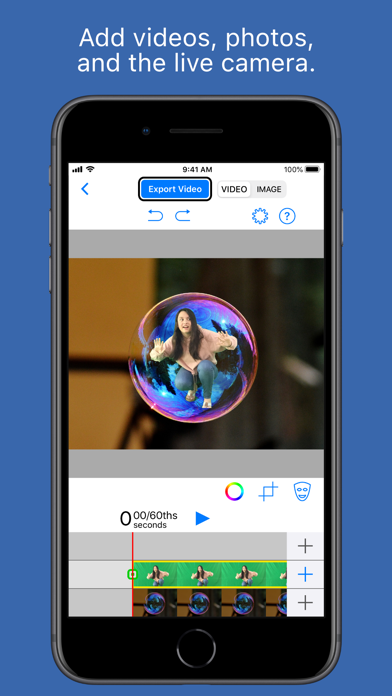
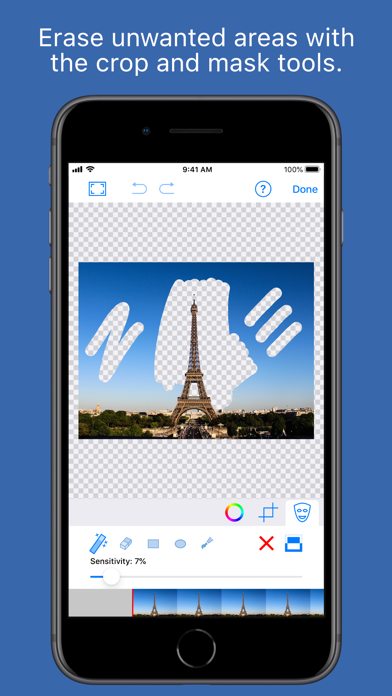
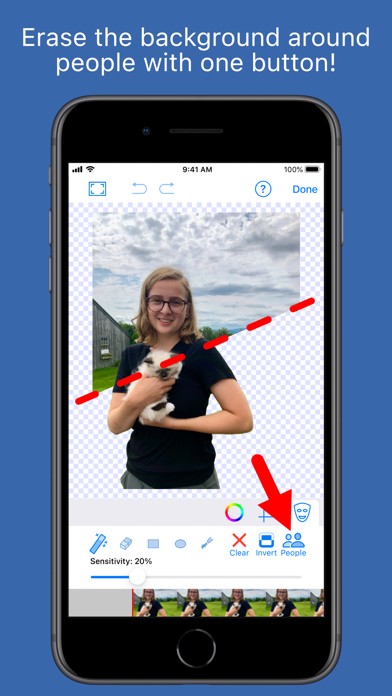
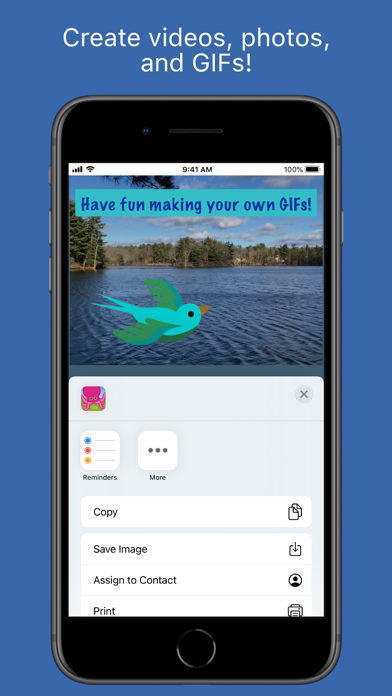
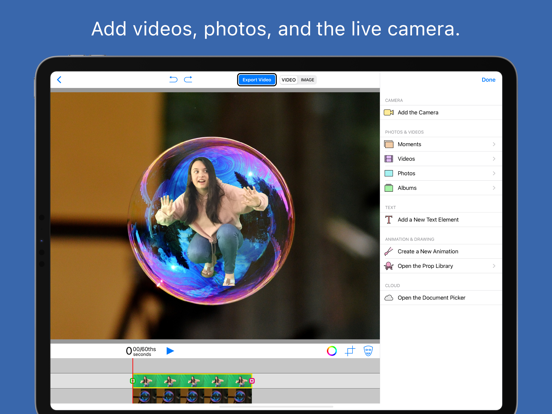
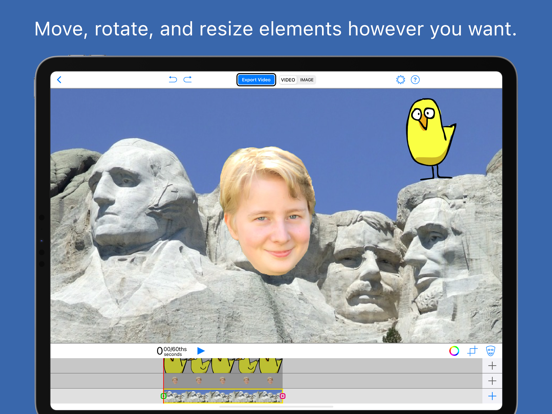
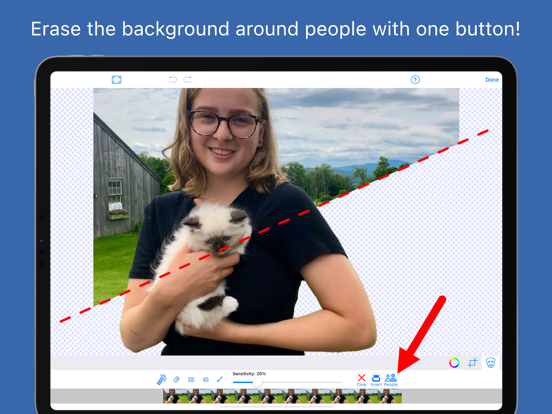
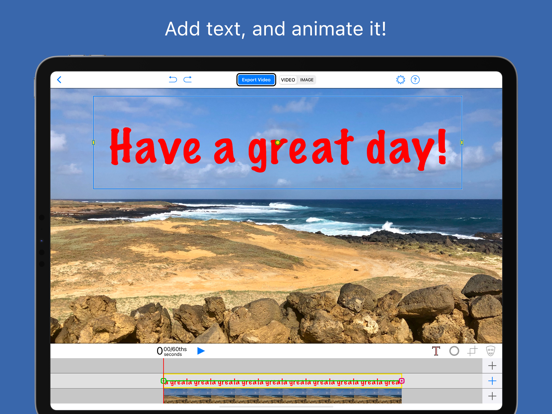
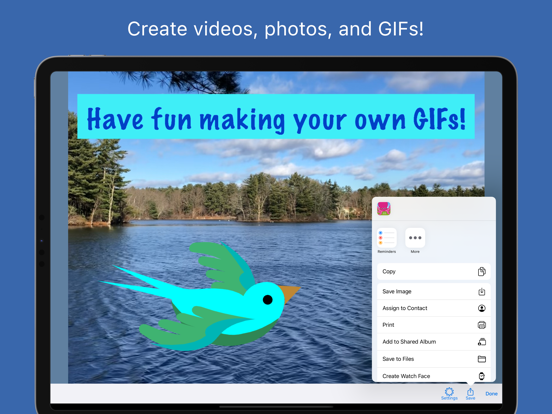
Create high quality green screen videos, photos and GIFs in minutes with Green Screen by Do Ink, the powerful and... easy-to-use chroma key video editor designed for the iPad and iPhone. Perfect for students, teachers, and content creators, this award-winning green screen app makes it simple to replace backgrounds, layer video elements such as photos, videos, text, drawings, animations and the live camera to produce engaging visual stories.
Whether you are creating classroom presentations, YouTube videos, social media content, digital storytelling projects or school news broadcasts, Green Screen by Do Ink delivers high quality results without complicated editing tools. It's easy enough for a second grader to use!
Powerful Green Screen and Chroma Key Editing
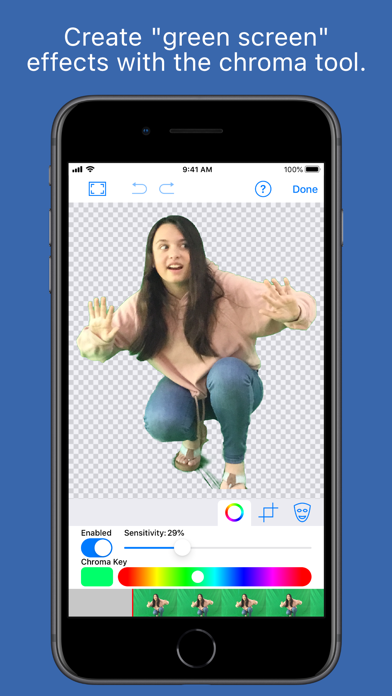
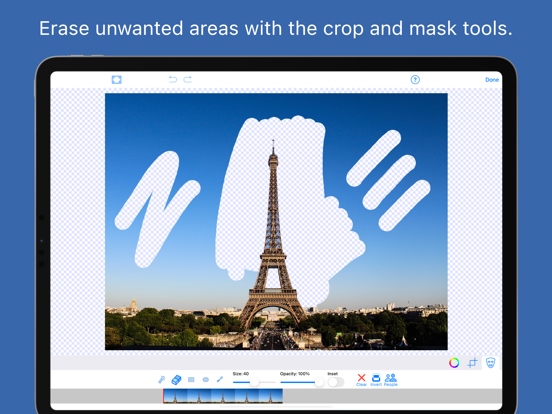
-Instantly remove and replace green, blue screen or any highly saturated color background
-Advanced chroma key controls for clean, precise results
-Layer up to three video, photo, live camera tracks and/or custom animations
-Real-time preview while recording
-Export in HD and 4K resolution
Turn any classroom, living room, or office into a production space.
Perfect for Education and Classroom Video Projects
Trusted by thousands of schools worldwide, Green Screen by Do Ink is one of the most popular education apps for the iPad and iPhone.
Ideal for:
-Student video projects
-Digital storytelling
-Book reports and history reenactments
-Science and STEM presentations
-School news broadcasts
-Language learning videos
-Creative arts integration
The intuitive interface makes it easy for elementary, middle and high school students to create polished videos independently. That's why it was named a "Best New App in Education" and a winner of a "Best App for Teaching and Learning" by the American Association of School Librarians.
Designed for Creators of All Ages
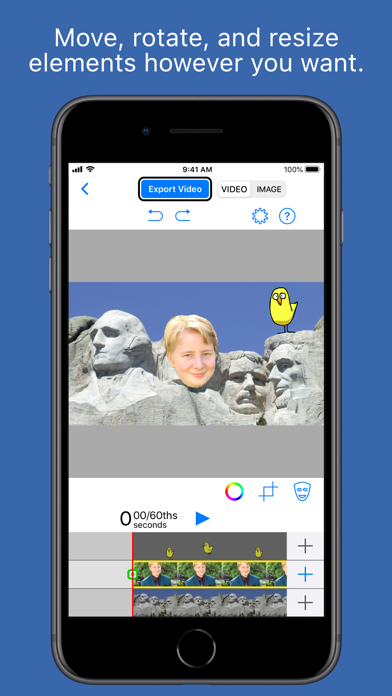
-Simple drag-and-drop video layering
-Import photos and videos from your camera roll or cloud storage
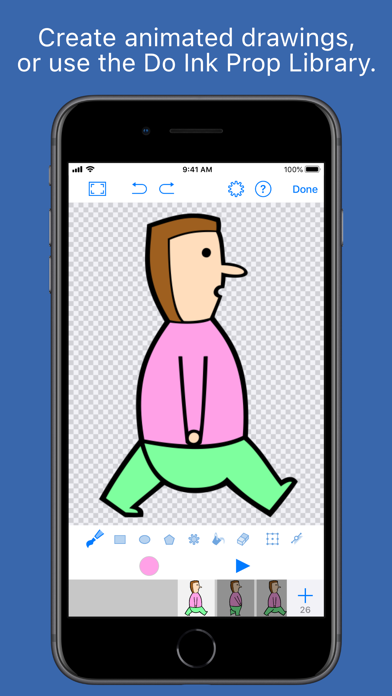
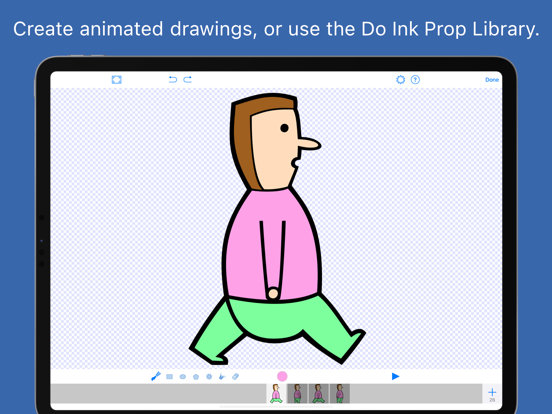
-Create custom animations
-No ads
-No in-app purchases
-No wifi needed
-Safe for classrooms and shared devices
Whether you are a teacher or student who wants to create interesting visual presentations or a creator producing short films, tutorials, or social videos, Green Screen by Do Ink gives you high quality visual tools without the learning curve.
Create Move Magic Anywhere
With just an iPad or iPhone, you can produce stunning green screen videos, immersive presentations, and creative storytelling projects from anywhere. Tell a story, explain an idea, and express yourself in creative and unique ways.
Download Green Screen by Do Ink today and start creating high-quality chroma key videos with ease.
Screenshots


Information
| Genre | Education |
| Vendor | DK Pictures, Inc. |
| App Version | 2026.1 |
| Min iOS Version | 14.0 |
| File Size | 57.9 MB |
| Platform | iPhone/iPad |
User Reviews
 Help others and write a review now!
Share this offer
Copy to clipboard


