






Tab Notes
2013
Tab Notes

17,99 €
29,99 €

 Añadir a la Lista de deseos
 Añadir a 'Mis Compras'
Más
Añadir a la lista de bloqueadosCopiar enlace iTunes
Tab Notes
2013Für Tab Notes liegt der aktuelle Preis bei App Store bei 17,99 €. Der niedrigste Preis aller Zeiten betrug 7,99 €, verfügbar am 26.11.2021. Du zahlst 10,00 € mehr als beim besten Angebot.
Información de precios
7,99 €
Más bajo
+10,00 €
17,99 €
Actual
-12,00 €
29,99 €
Más alto
Alle Zeiträume
Alle Zeiträume 
Tendencia de precios de Tab Notes en Apple TV

22/09/15
16,99 €
15/05/17
18,99 €
01/06/17
19,99 €
06/08/21
17,99 €
26/11/21
7,99 €
01/12/21
18,99 €
06/10/22
22,99 €
09/05/23
19,99 €
15/07/23
29,99 €
18/11/26
17,99 €

Precio inicial - El precio con el que el título ingresó a la tienda.
Bajada de precio - El precio comparado con el anterior ha bajado.
Subida de precio - El precio comparado con el anterior ha subido.
Mejor precio - El precio más bajo que el título ha tenido hasta la fecha. Si el precio vuelve a este valor más tarde, sin embargo, solo se mostrará una bajada de precio (en verde).
Descripción
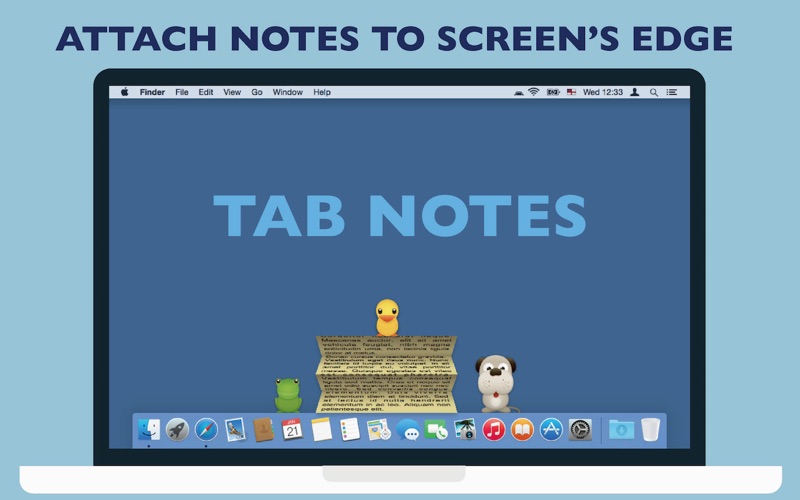
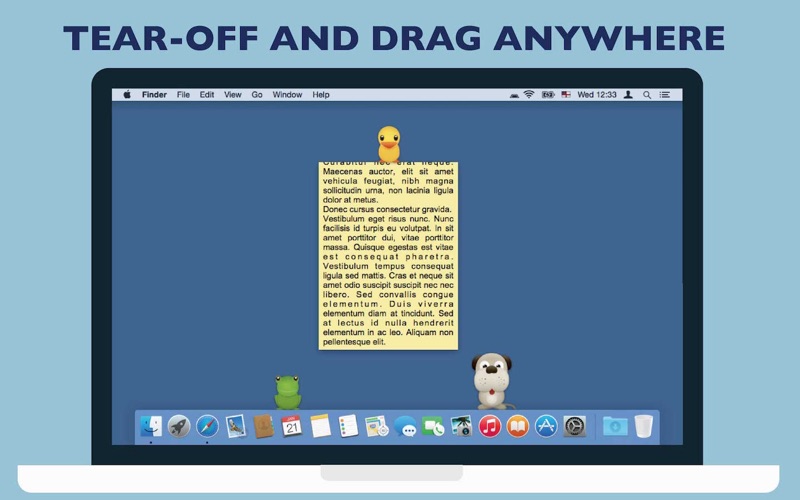
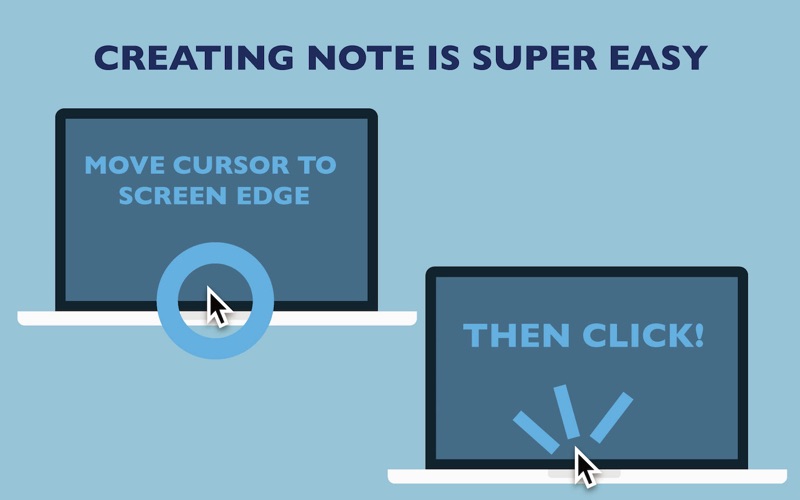
Tab Notes is a Menu Bar application which keeps your notes tidy and easy to access and your screen uncluttered. Click on your screen edge, then a note pops up!
Watch the demonstration video here ▶ ...https://vimeo.com/62485482
[This app includes the functionality of Popup Window app]
• Click on your screen's edge to take a note.
• Document file types are conventional RTF (Rich Text) and RTFD (Rich Text with images). Not proprietary format. (This application uses "Comment" property in RTF. )
• RTF documents can be synchronized with iPhone via Dropbox. This means you can view them from any device with Dropbox installed.
• Documents folder can be any folder in your home folder.
• Supports versioning. OSX keeps documents' previous versions. (This app does not contain version browser. Please use TextEdit to browse version files.)
• The app has built-in short term backup system. Changes made to notes will be kept for 3 days in the backup folder (you can open it from the preferences). For more comprehensive backup system, we recommend other application.
• Customisable with original themes created in Tab Notes Theme Editor:
https://itunes.apple.com/us/app/tab-notes-theme-editor/id665702825?ls=1&mt=12
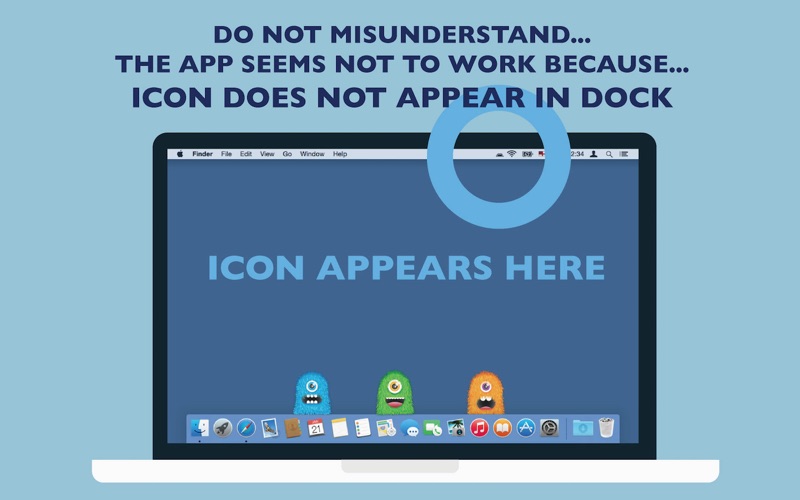
* This application is a "menu bar app". The application icon does not appear in "Dock". Instead it appears in main menu bar. You can change preferences from the icon in the main menu bar.
■■FAQ■■
Q. The application does not open. It does't work.
A. This app is a menu bar app. App icon does not appear in Dock. It is designed to serve you discreetly without occupying Dock space. The application icon appears in the right part of the main menu bar at the top of the screen.
Q. Tab did not appear. Where can I add my notes?
A. Just click the screen edge. Please see the video https://vimeo.com/62485482
Q. It would not let me delete the app.
A. Finder does not let you delete an app that is currently running. Quit the app first. To quit the app, choose Quit from this application's menu in the main menu bar at the top of the screen. (Even though this app may be running, while in stand by, its CPU power usage is almost nothing.)
Q. Isn't there any "Preferences" for this app?
A. Yes there are. The menu icon of this app is located in the right part of the main menu bar at the top of the screen. You can choose this app's Preferences here.
Q. How do I change themes or background colour?
A. Press and hold Control key then click a tab. Contextual menu appears. (Depending on device configurations, right-click on mouse or two finger click on track pad may be used.)
Q. Can I try for free before purchasing?
There is a free "Lite" version on this App Store. The number of notes is limited to 3 and it does not have Popup Window functionality in Tab Notes Lite.
----
Copyright CuteCritters http://www.Tutorial9.net/
Copyright SpoonGraphics http://blog.spoongraphics.co.uk
Capturas de pantalla


Información
| Género | Productivity |
| Vendedor | Catalystwo, LLC |
| Versión de la app | 3.0 |
| minOsVersion | 10.11 |
| Tamaño del archivo | 16.4 MB |
| Plataforma | Mac |
Reseñas de usuarios
 ¡Ayuda a otros y escribe una reseña ahora!
Compartir esta oferta
Copiar al portapapeles


