


Tab Notes
2013
Tab Notes

29,99 €
22,99 €

 Auf die Wunschliste
 Zu "Meine Käufe" hinzufügen
Mehr
Auf die BlocklisteiTunes Link kopieren
Tab Notes
2013Pour Tab Notes, le prix actuel chez App Store est de 29,99 €. Le prix le plus bas jamais enregistré était de 16,99 €. Vous payez maintenant 13,00 € de plus que la meilleure offre.
Preisinformation
16,99 €
Tiefst
+13,00 €
29,99 €
Aktuell
29,99 €
Höchst
Depuis le début
Depuis le début 
Preisverlauf von Tab Notes auf App Store

17.02.17
16,99 €
15.05.17
18,99 €
01.06.17
19,99 €
23.10.21
17,99 €
04.12.21
18,99 €
11.10.22
22,99 €
11.04.25
29,99 €

Initialer Preis - Der Preis mit dem der Titel in den Store gekommen ist.
Preisreduktion - Der Preis des Titels ist im Vergleich zum vorherigen Preis gefallen.
Preissteigerung - Der Preis des Titels ist im Vergleich zum vorherigen Preis gestiegen.
Tiefstpreis - Der bis dato günstigste Preis, den der Titel je hatte. Kommt der Preis später wieder auf diesen Wert zurück, wird allerdings nur eine Preisreduktion (grün) angezeigt.
Beschreibung
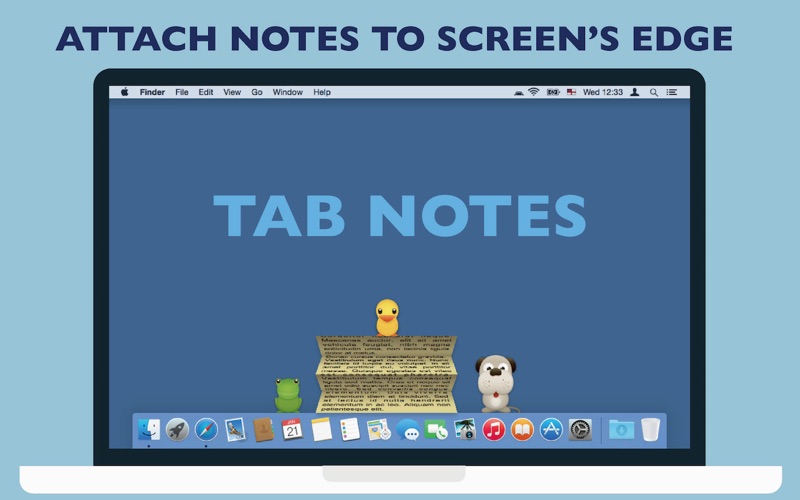
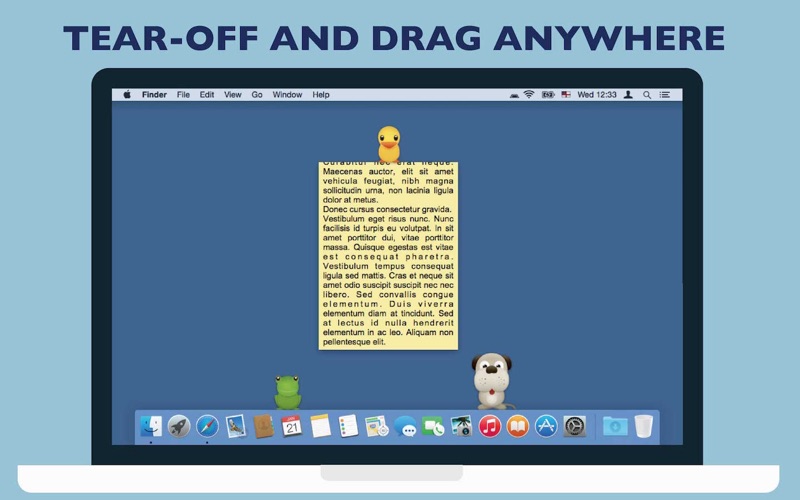
Tab Notes is a Menu Bar application which keeps your notes tidy and easy to access and your screen uncluttered. Click on your screen edge, then a note pops up!
Watch the demonstration video here ▶ ...https://vimeo.com/62485482
[This app includes the functionality of Popup Window app]
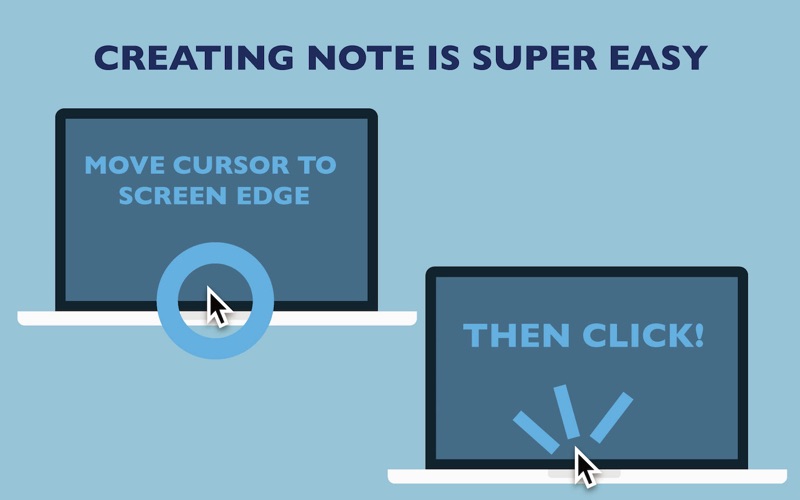
• Click on your screen's edge to take a note.
• Document file types are conventional RTF (Rich Text) and RTFD (Rich Text with images). Not proprietary format. (This application uses "Comment" property in RTF. )
• RTF documents can be synchronized with iPhone via Dropbox. This means you can view them from any device with Dropbox installed.
• Documents folder can be any folder in your home folder.
• Supports versioning. OSX keeps documents' previous versions. (This app does not contain version browser. Please use TextEdit to browse version files.)
• The app has built-in short term backup system. Changes made to notes will be kept for 3 days in the backup folder (you can open it from the preferences). For more comprehensive backup system, we recommend other application.
• Customisable with original themes created in Tab Notes Theme Editor:
https://itunes.apple.com/us/app/tab-notes-theme-editor/id665702825?ls=1&mt=12
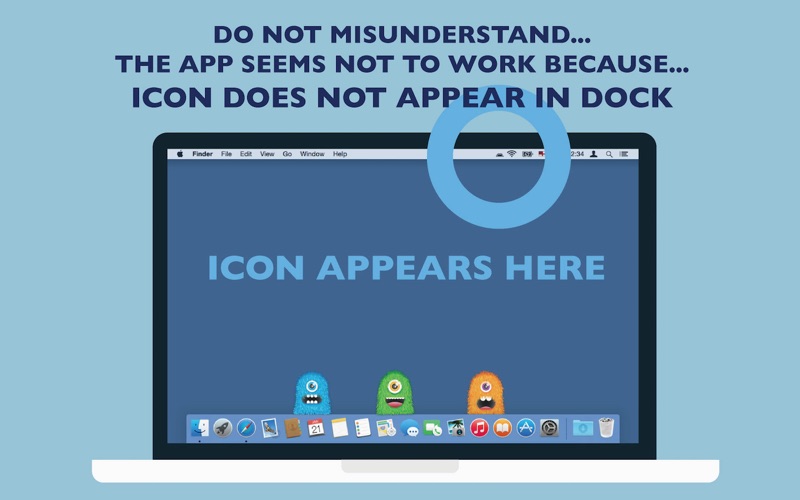
* This application is a "menu bar app". The application icon does not appear in "Dock". Instead it appears in main menu bar. You can change preferences from the icon in the main menu bar.
■■FAQ■■
Q. The application does not open. It does't work.
A. This app is a menu bar app. App icon does not appear in Dock. It is designed to serve you discreetly without occupying Dock space. The application icon appears in the right part of the main menu bar at the top of the screen.
Q. Tab did not appear. Where can I add my notes?
A. Just click the screen edge. Please see the video https://vimeo.com/62485482
Q. It would not let me delete the app.
A. Finder does not let you delete an app that is currently running. Quit the app first. To quit the app, choose Quit from this application's menu in the main menu bar at the top of the screen. (Even though this app may be running, while in stand by, its CPU power usage is almost nothing.)
Q. Isn't there any "Preferences" for this app?
A. Yes there are. The menu icon of this app is located in the right part of the main menu bar at the top of the screen. You can choose this app's Preferences here.
Q. How do I change themes or background colour?
A. Press and hold Control key then click a tab. Contextual menu appears. (Depending on device configurations, right-click on mouse or two finger click on track pad may be used.)
Q. Can I try for free before purchasing?
There is a free "Lite" version on this App Store. The number of notes is limited to 3 and it does not have Popup Window functionality in Tab Notes Lite.
----
Copyright CuteCritters http://www.Tutorial9.net/
Copyright SpoonGraphics http://blog.spoongraphics.co.uk
Screenshots


Information
| Genre | Productivity |
| Anbieter | Catalystwo, LLC |
| App Version | 3.0 |
| Min iOS Version | 10.11 |
| Dateigröße | 16.4 MB |
| Plattform | Mac |
Rezensionen
 Schreibe jetzt eine Rezension über diesen Titel und helfe damit anderen Nutzern!
Angebot teilen
In die Zwischenablage kopieren


