


Unfold - Quick Look Previews
2026
Unfold - Quick Look Previews
9,99 €

 Add to Wishlist
 Add to "My Purchases"
More
Add to Block ListCopy iTunes Link to Clipboard
Unfold - Quick Look Previews
2026Pour Unfold - Quick Look Previews, le prix actuel chez App Store est de 9,99 €. Il n'y a jamais eu de réductions de prix.
Price Information
9,99 €
Lowest
9,99 €
Current
9,99 €
Highest
Price Trend of Unfold - Quick Look Previews on App Store

22/07/26
9,99 €

Initial price - The price at which the title entered the store.
Price drop - The price compared to the one before has dropped.
Price raise - The price compared to the one before has raised.
Best price - The lowest price the title has ever had to date. If the price comes back to this value later, however, only a price drop (green) is displayed.
Summary
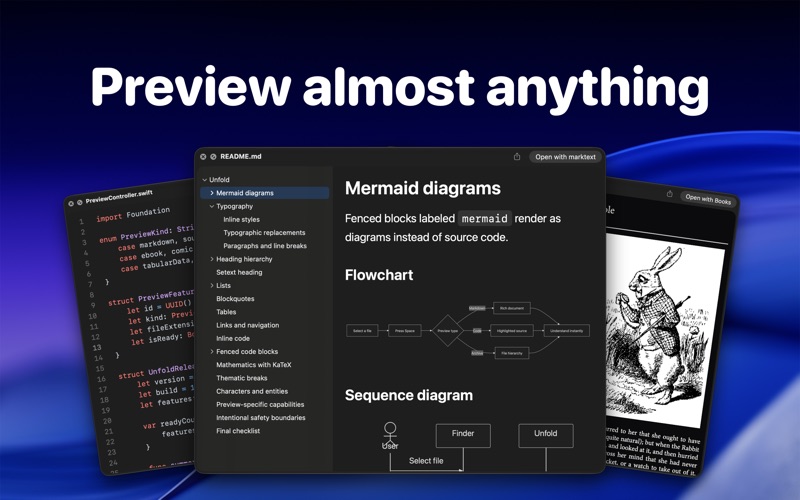
Unfold is a powerful Quick Look extension for macOS. Select a file in Finder and press Space to instantly preview source code, Markdown, JSON, comics, archives, web archives, ebooks, notebooks, diagra...ms, LaTeX, subtitles, tabular data, app bundles, and more—without opening a full editor.
QUICK LOOK MORE THAN 140 FILE EXTENSIONS
FOLDERS
Preview folders directly in Quick Look using Native, List, or Grid layouts. Browse image thumbnails and file details, expand subfolders, control scan depth, and optionally show hidden items.
SOURCE CODE AND CONFIGURATION
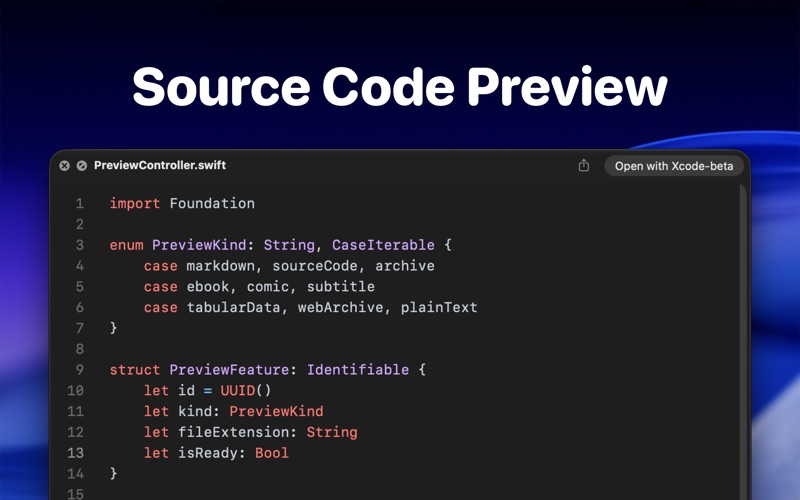
Read Swift, Python, JavaScript, Java, Kotlin, C, C++, C#, Rust, Go, Ruby, PHP, Shell, SQL, CSS, YAML, XML, TOML, plist, and many other developer files with syntax highlighting. Unfold also understands special filenames and dotfiles such as Makefile, Dockerfile, CMakeLists.txt, .gitignore, and .env.
JSON AND STRUCTURED DATA
Explore JSON, JSONC, JSON5, JSONL, and Canvas files in a native, syntax-colored viewer with line numbers and collapsible objects and arrays. Open .tab and .tsv data as easy-to-scan tables.
MARKDOWN, MERMAID, AND JUPYTER
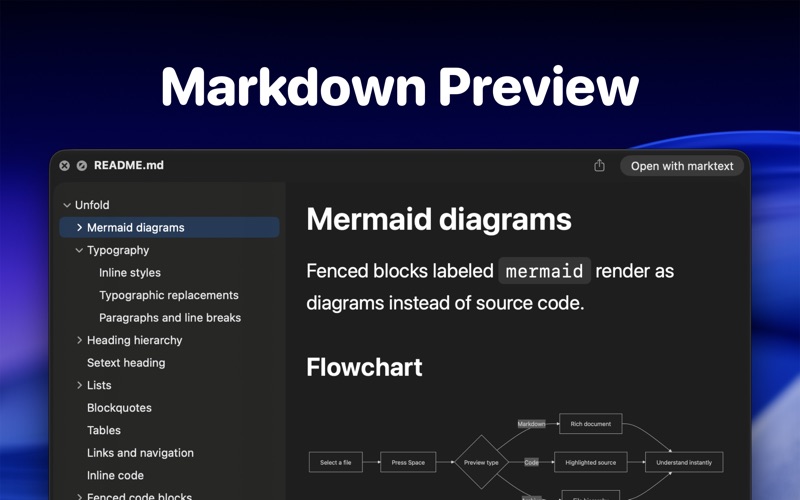
Read Markdown as a polished document with headings, tables, code blocks, and a navigable table of contents, or switch to source view. Enable hot reloading to automatically refresh the preview whenever the source file changes. Render Mermaid files as diagrams with zoom controls. Preview Jupyter notebooks with formatted Markdown, syntax-highlighted code, math, images, and saved outputs.
COMICS
Read CBZ and CBR comic books directly in Quick Look. Browse pages in a continuous reading view and jump through the book using thumbnail navigation.
ARCHIVES
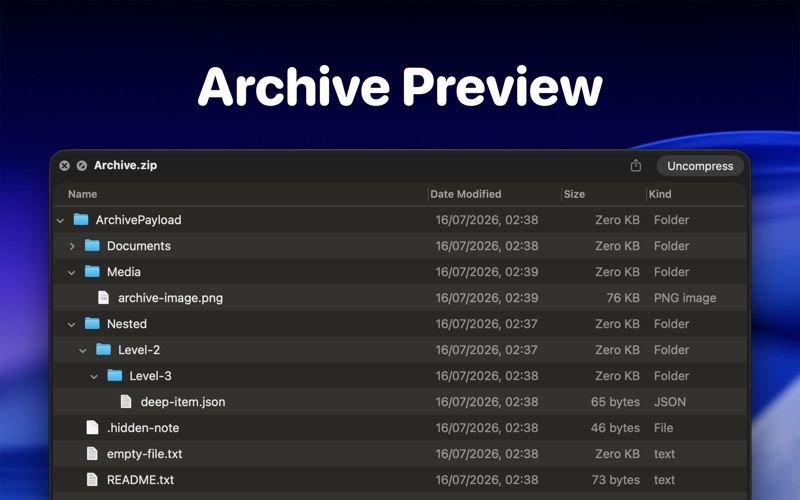
Explore ZIP, RAR, 7Z, TAR, compressed TAR archives, and many package formats without extracting them first. Browse nested folders, expand directory contents, and inspect filenames and file sizes in a clear hierarchical view.
WEB ARCHIVES
Open MHT and MHTML web archives as rendered pages directly in Quick Look. Web archives are processed locally with remote loading, external navigation, and page-authored JavaScript disabled.
LATEX AND BIBTEX
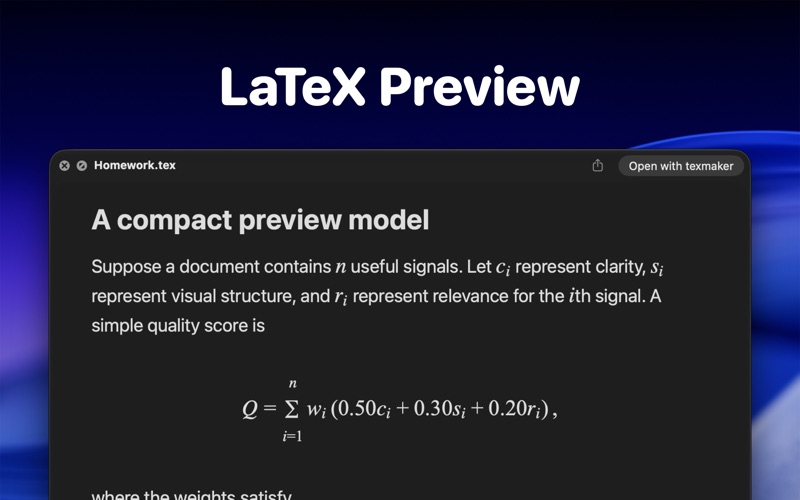
Preview TeX, LaTeX, and LTX documents with formatted structure and math, then switch to syntax-highlighted source when needed. Turn BibTeX files into readable reference lists in APA, MLA, Chicago, or IEEE style.
EBOOKS
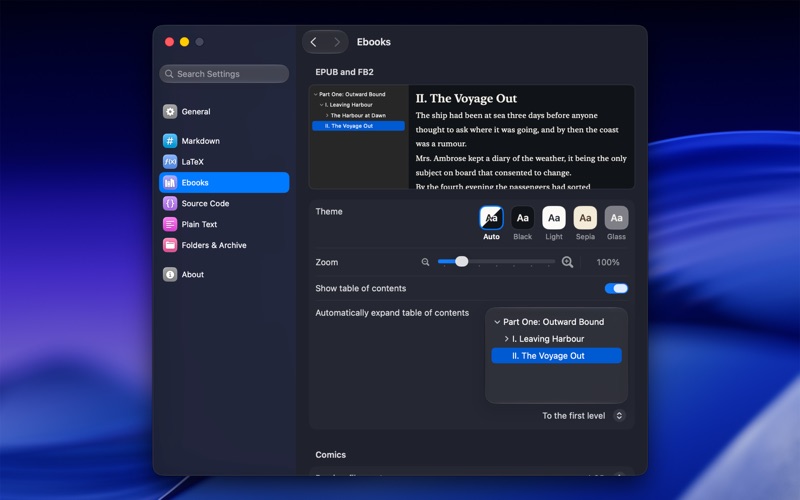
Open EPUB and FB2 books with covers, structured content, table-of-contents navigation, adjustable reading size, and automatic, black, light, or sepia themes. Reopen a book where you left off.
SUBTITLES AND TEXT
Inspect SRT subtitles with timing and style highlighting, plus VTT, ASS, and other subtitle files. Preview logs, NFO files, Fountain scripts, plain text, extensionless files, and unfamiliar text-based formats.
MAC APP BUNDLES
Quick Look an .app to see its icon, name, version, bundle identifier, architecture, minimum macOS version, size, signing identity, App Sandbox status, and hardened runtime status.
Everything runs locally on your Mac. Your files are not uploaded.
GET STARTED
Open Unfold after installation.
Go to System Settings > General > Login Items & Extensions > Quick Look.
Enable the Unfold extensions you want.
Select a supported file in Finder and press Space.
Screenshots




Information
| Genre | Utilities |
| Vendor | flew llc |
| App Version | 3.3.1 |
| Min iOS Version | 15.6 |
| File Size | 35.7 MB |
| Platform | Mac |
User Reviews
 Help others and write a review now!
Share this offer
Copy to clipboard


