


Camera for OBS Studio
2018


Camera for OBS Studio

Gratuit
17,99 €

 Liste de souhaits
 Ajouter à "Mes Achats"
Plus
Ajouter à la liste d'exclusionCopier le lien iTunes
Camera for OBS Studio
2018Pour Camera for OBS Studio, le prix actuel chez App Store est de . Le prix le plus bas jamais enregistré était de , disponible le 04/11/2021. Vous payez de plus que la meilleure offre.
Information de prix
Plus bas
Actuel
-19,99 €
19,99 €
Plus haut
Depuis le début
Depuis le début 
Tendance des prix de Camera for OBS Studio sur App Store

11/02/20
17,99 €
18/05/21
19,99 €
13/08/21
17,99 €
18/08/21
19,99 €
04/09/21
17,99 €
06/09/21
19,99 €
10/09/21
17,99 €
18/09/21
19,99 €
18/09/21
17,99 €
24/09/21
19,99 €
05/10/21
17,99 €
07/10/21
19,99 €
09/10/21
17,99 €
16/10/21
19,99 €
22/10/21
17,99 €
04/11/21
Gratuit

Prix initial - Le prix auquel le titre est entré dans le magasin.
Baisse de prix - Le prix par rapport à celui d'avant a baissé.
Augmentation de prix - Le prix par rapport à celui d'avant a augmenté.
Meilleur prix - Le prix le plus bas que le titre ait jamais eu à ce jour. Si le prix revient à cette valeur plus tard, seule une baisse de prix (verte) est affichée.
Synopsis
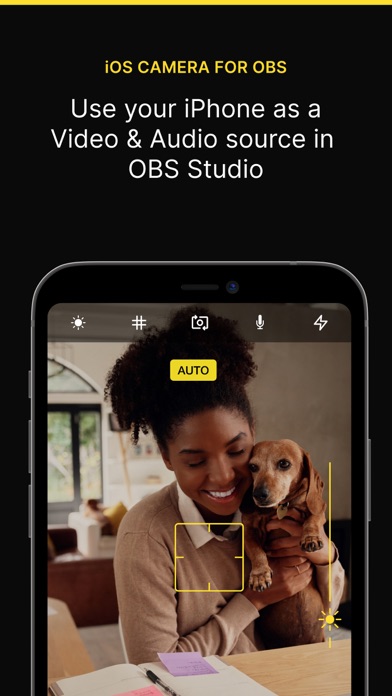
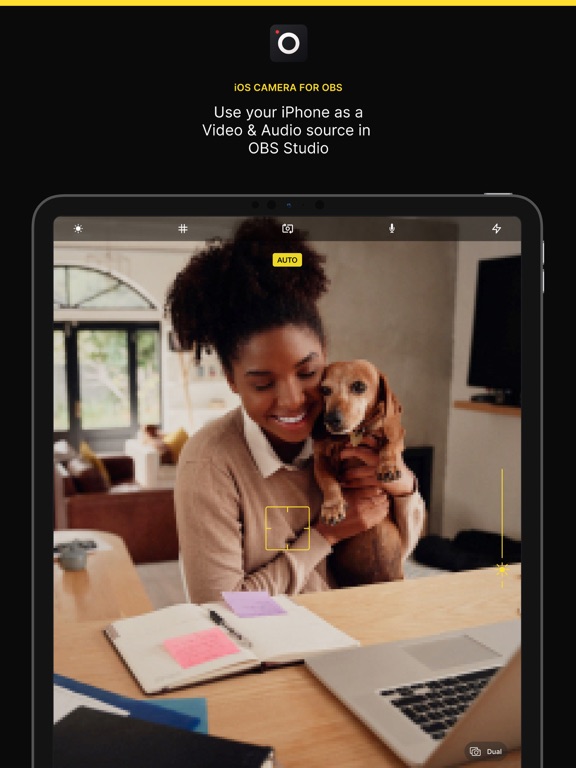
If you've ever wanted to use your iPhone camera as a video & audio input to stream using OBS Studio, we've got you covered. We've tried all the apps that let you do it over WiFi, but they're not fast ...enough, so we also allow you to use a wired USB connection.
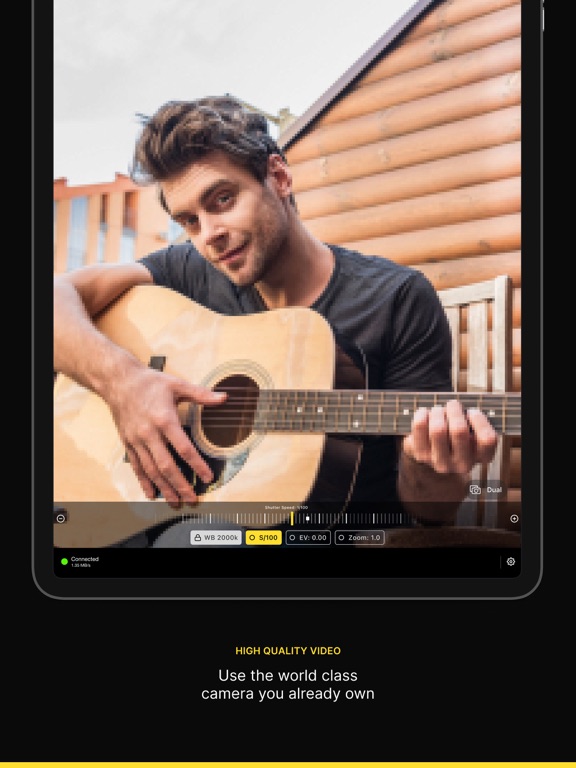
QUALITY VIDEO
Your iPhone/iPad camera's are good, really good. In fact, there’s no comparison between the highly recommended streaming webcam, the Logitech C922 HD Pro and the iPhone 6 Camera. Stream Landscape or Portrait video.
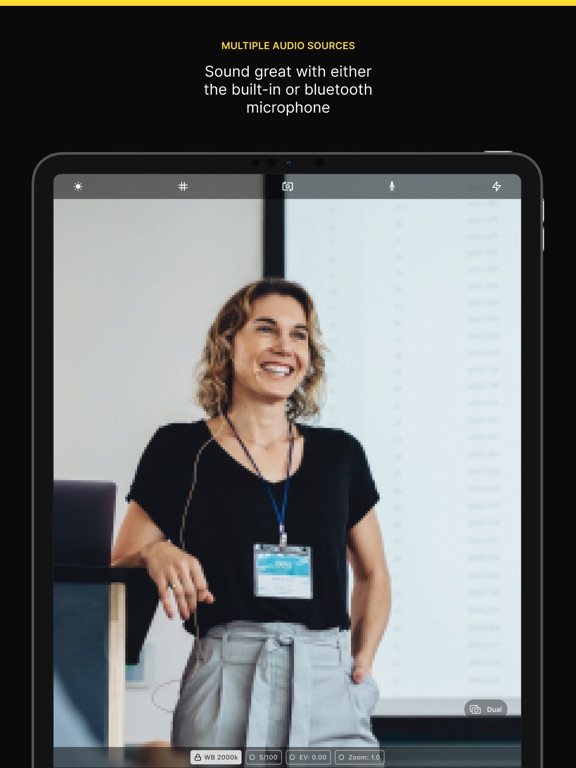
AUDIO
If you don't have a separate mic for your streaming setup, you can now use the microphone on your iOS device to stream audio & video.
FRONT CAMERA
Stream a selfie with the front camera support. Switch anytime during the stream with the familiar camera switch button.
TAP TO FOCUS, PINCH TO ZOOM
Controls just like you're used to from the Camera app.
MANUAL CONTROLS
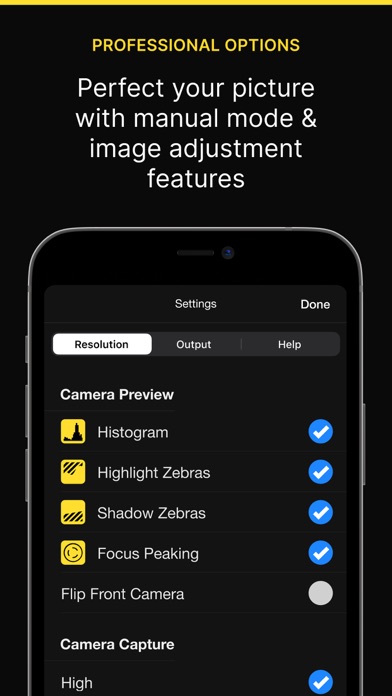
Take control of the focus, exposure, white balance as you would on a manual DSLR camera.
LOW LATENCY
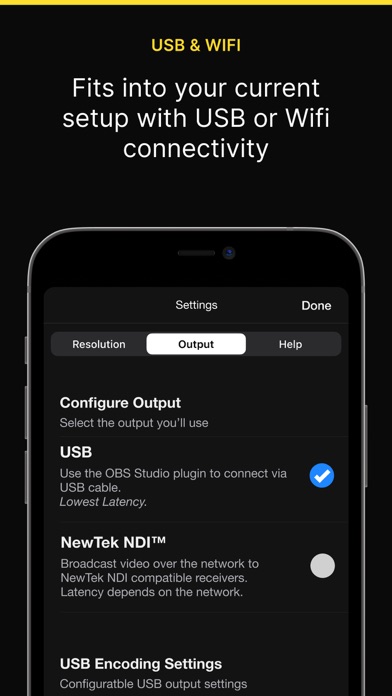
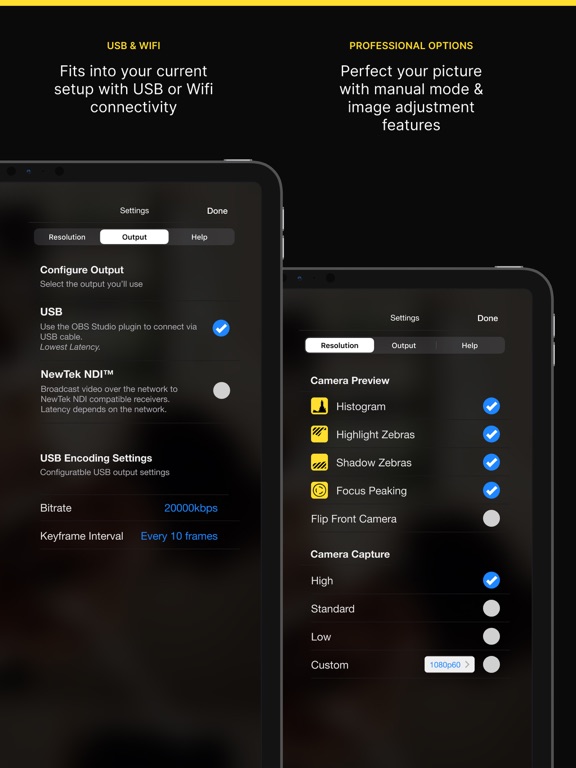
Stream video over a wired USB connection. This avoids the issue of delay over wifi, as many other solutions suffer from. This is just as fast as a USB webcam!
USB & WIFI
Choose the connection type. If you want low latency, use USB, if you'd like portability then use WiFi. WiFi is done using the NewTek™ NDI® protocol, so you can use Camera for OBS Studio with any NewTek™ NDI® compatible receiver.
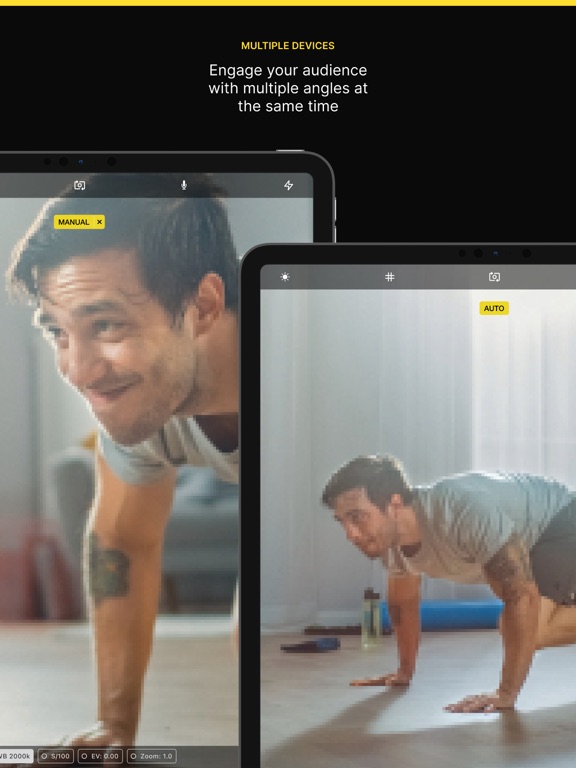
MULTIPLE DEVICES
If you're lucky enough to own multiple iOS devices, use them together and produce a multi-camera stream.
MAC AND PC
Supports OBS Studio running on macOS and Windows.
You will need to install the OBS Studio iOS Camera Plugin from our website, or use an NDI compatible receiver to use this app.
For the best possible experience make sure your device is listed on our website https://obs.camera/docs/faqs/#what-ios-hardware-do-i-need
Captures d'écrans


Information
| Genre | Productivity |
| Auteur | Loft Labs Interactive Inc |
| Version | 3.6.4 |
| Version iOS minimum | 16.0 |
| Taille | 25.6 MB |
| Plateforme | iPhone/iPad |
Avis des utilisateurs
 Aide les autres et donne ton avis maintenant!
Partager
Copier dans le presse-papier


