


PDF Max Pro
2012


PDF Max Pro

5,99 €
9,99 €
Meilleur prix!

 Liste de souhaits
 Ajouter à "Mes Achats"
Plus
Ajouter à la liste d'exclusionCopier le lien iTunes
PDF Max Pro
2012Pour PDF Max Pro, le prix actuel chez App Store est de 5,99 €. C'est le prix le plus bas jamais enregistré et la première fois que cet article est disponible à ce prix.
Information de prix
5,99 €
Plus bas
5,99 €
Actuel
-4,00 €
9,99 €
Plus haut
Depuis le début
Depuis le début 
Tendance des prix de PDF Max Pro sur App Store

01/10/24
9,99 €
09/04/25
5,99 €

Prix initial - Le prix auquel le titre est entré dans le magasin.
Baisse de prix - Le prix par rapport à celui d'avant a baissé.
Augmentation de prix - Le prix par rapport à celui d'avant a augmenté.
Meilleur prix - Le prix le plus bas que le titre ait jamais eu à ce jour. Si le prix revient à cette valeur plus tard, seule une baisse de prix (verte) est affichée.
Synopsis
PDF Max is a desktop class PDF app for reading, annotating or signing PDF documents on your iPhone/iPad. Mark up documents with highlights and handwriting, insert texts and stamps, fill out, sign PDFs... and even manipulate PDF pages. With over 3 million downloads across platforms, PDF Max helps hundred thousands of people over the world to go paperless everyday.
PDF Max Features:
* READING FEATURES
- Smooth and responsive even with large PDF documents
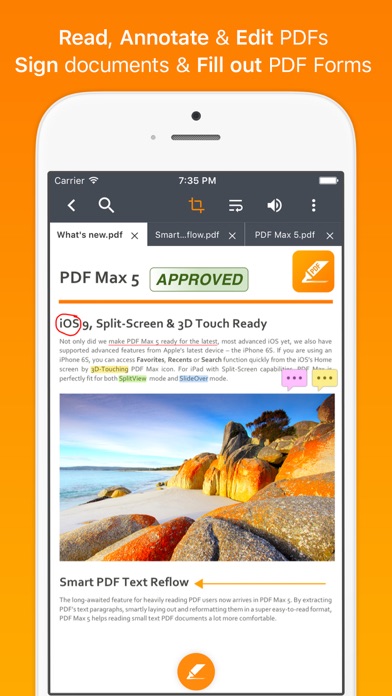
- Smooth vertical scrolling - allow you to scroll through your entire PDF document smoothly and efficiency.
- Open documents in multiple tabs.
- Multi-purpose SideBar includes everything you need to skim through your documents like never before: Page Thumbnails, PDF Outlines/Bookmarks, Annotation List & Search Panel.
- Smart Zoom: Double-tap on text blocks and PDF Max will zoom the touched text block to fit the screen. Simple & efficient reading.
- Friendly & Easy to use User Interface
* ANNOTATING FEATURES
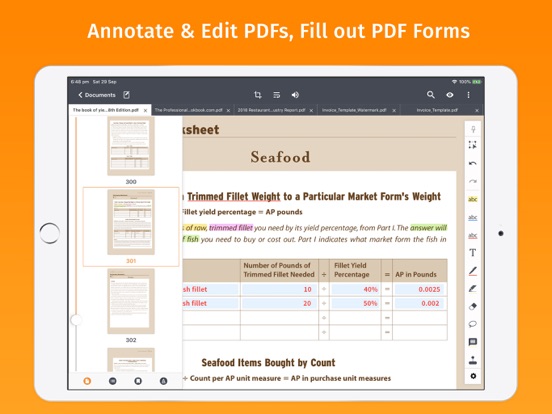
- Text markup: Highlight, Underline, Strike out & Squiggle
- Unlimited threaded comments (notes) attached to any annotation.
- Create VOICE ANNOTATIONS: Record and embed voice annotations within the PDF document.
- HANDWRITING with Advanced Zoom-In Writing feature
- Eraser tools to manipulate your handwriting
- Shape tools to draw Line, Arrow, Rectangle & Oval with intelligent snapping
- Rich format Freetext tool to type over PDF pages
- Stamp tool to insert Predefined, Standard Business Stamps & Custom Stamps
- Signature tool to manage and insert your signatures
- Undo/Redo function to correct your mistake
- Save and organize your favorite tools and access them quickly when needed.
- Easy to scroll document while annotating with one finger or stylus pen with optional Horizontal and Vertical ScrollBars
- Smart caching mechanism to avoid data loss.
* EDITING FEATURES
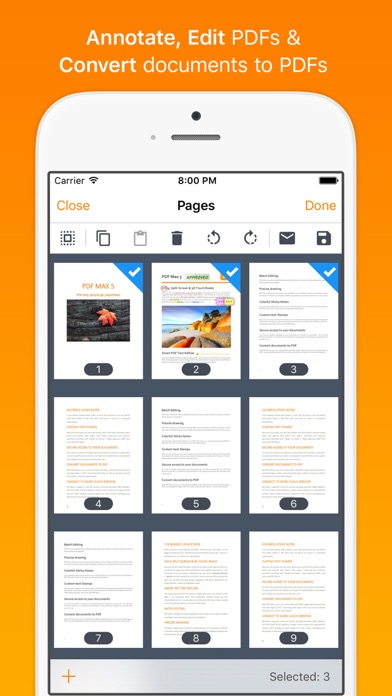
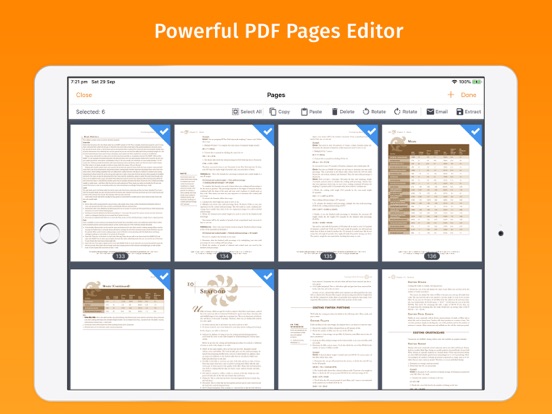
- Manage PDF Pages (Insert, Copy/Cut/Paste, Reorder & Delete PDF Pages)
- Manage PDF Outlines (Table of Contents) , PDF Embedded Links
* FORM-FILLING FEATURES:
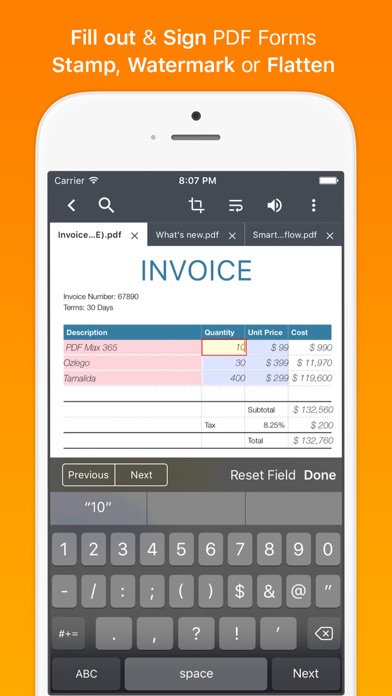
- Support Text field, checkboxes, radio buttons, dropdown list, buttons & date-time fields
- Support JavaScripted-powered PDF forms
- Support AcroForms & Static XFA Forms
- Zoom-in writing to fill out scanned/non-interactive PDF forms
- Manage your signature plus one-time signature for customer
* PDF OUTLINE, PDF LINK & BOOKMARK MANAGEMENT FEATURES
- Create and manipulate PDF Outlines
- Create and manage PDF Bookmarks
- Create and edit PDF Embedded Links
* FILE MANAGEMENT FEATURES:
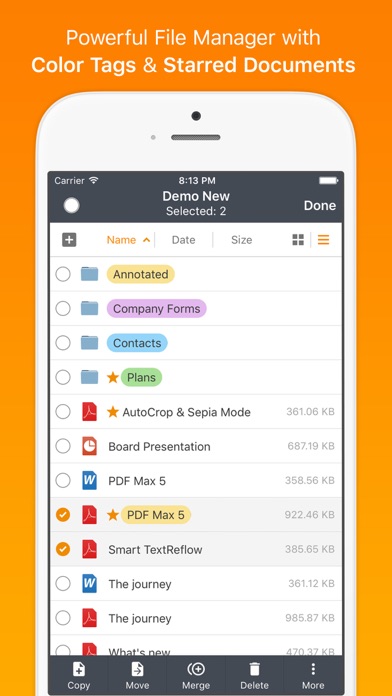
- The all-new file manager with Thumbnail View, List View modes. Sort by Name, Modified Date or Size.
- Categorize files or folder by Color Tags or Favorites (Starred)
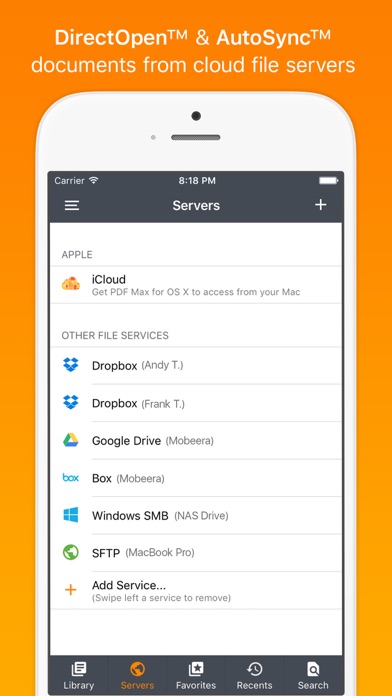
- Seamless, desktop-like integration with Dropbox or Google Drive. Work both with or without an Internet connection.
- Rename, Copy or Move remote files/folders.
- Local Library for organizing files from different sources.
- Copy/Move files or folders between online cloud storage services.
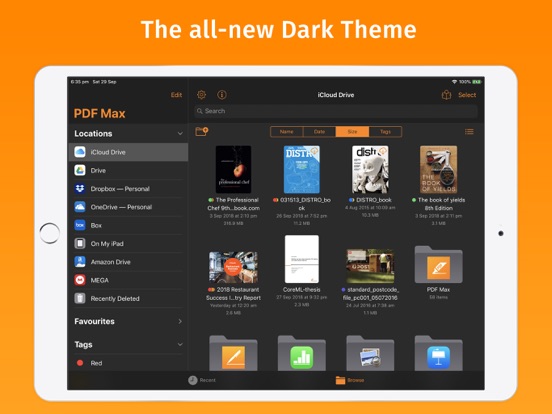
iCloud Drive support.
* OTHER FEATURES
- Bookmarks management with ability to export as PDF Outlines
- Email or Print PDF in editable or flattened format
- PDF documents/forms modified by PDF Max are compatible with Adobe Acrobat standard
Let's go paperless! More at https://pdfmax.app
PREMIUM SUBSCRIPTION:
- Payment will be charged to iTunes Account at confirmation of purchase
- Subscription automatically renews unless auto-renew is turned off at least 24-hours before the end of the current period
- Account will be charged for renewal within 24-hours prior to the end of the current period, and identify the cost of the renewal
- Subscriptions may be managed by the user and auto-renewal may be turned off by going to the user's Account Settings after purchase
- Any unused portion of a free trial period, if offered, will be forfeited when the user purchases a subscription to that publication, where applicable.
Our privacy policy https://pdfmax.app/privacy
Our End-user License Agreement https://pdfmax.app/eula
Captures d'écrans



Information
| Genre | Productivity |
| Auteur | Mobeera Co., Ltd |
| Version | 27.7 |
| Version iOS minimum | 18.0 |
| Taille | 348.7 MB |
| Plateforme | iPhone/iPad |
Avis des utilisateurs
 Aide les autres et donne ton avis maintenant!
Partager
Copier dans le presse-papier


