


Keystroke Pro
2021
Keystroke Pro

£14.99
£19.99

 Add to Wishlist
 Add to "My Purchases"
More
Add to Block ListCopy iTunes Link to Clipboard
Keystroke Pro
2021For Keystroke Pro, the current price at App Store is £14.99. The lowest price ever was £5.99, available on 03/12/2022. You are paying £9.00 more than the best deal.
Price Information
£5.99
Lowest
+£9.00
£14.99
Current
-£5.00
£19.99
Highest
All Time
All Time 
Price Trend of Keystroke Pro on App Store

04/11/21
£11.99
30/04/22
£12.99
05/10/22
£7.99
09/10/22
£12.99
11/10/22
£9.99
03/12/22
£5.99
04/12/22
£9.99
18/02/23
£11.99
25/03/23
£12.99
09/11/23
£14.99
11/12/23
£6.99
12/12/23
£14.99
10/03/24
£19.99
10/09/26
£14.99

Initial price - The price at which the title entered the store.
Price drop - The price compared to the one before has dropped.
Price raise - The price compared to the one before has raised.
Best price - The lowest price the title has ever had to date. If the price comes back to this value later, however, only a price drop (green) is displayed.
Summary
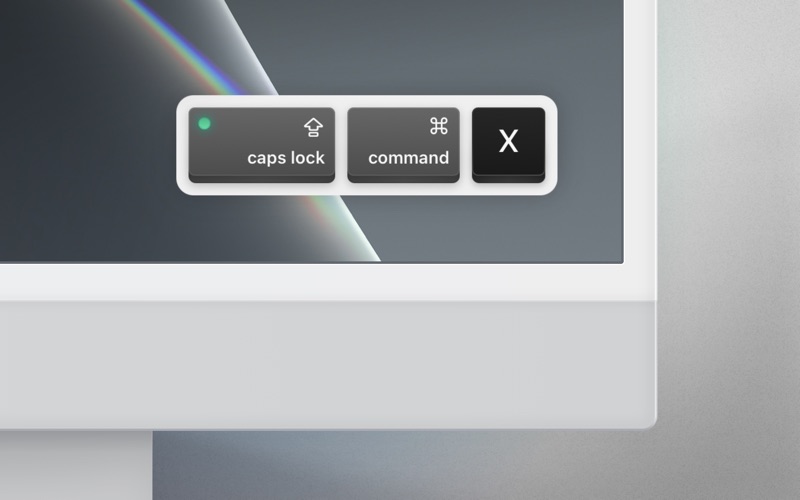
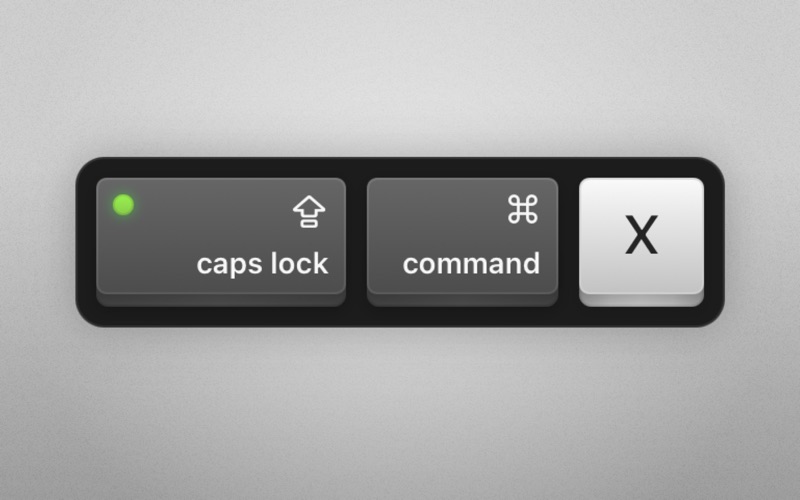
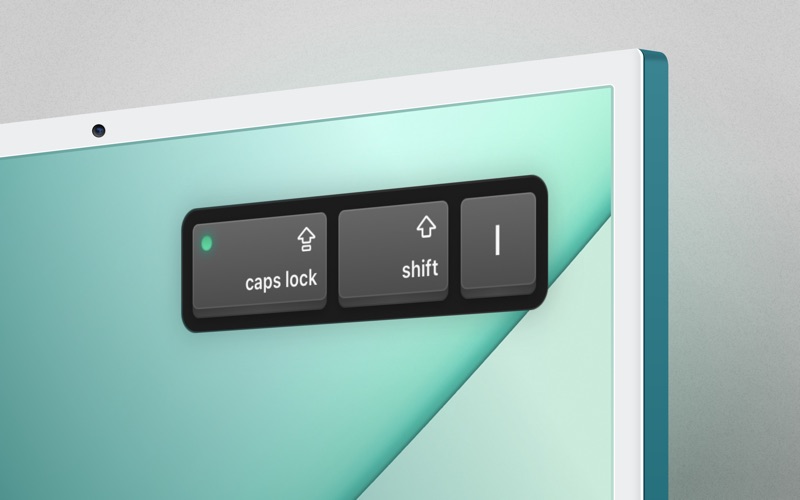
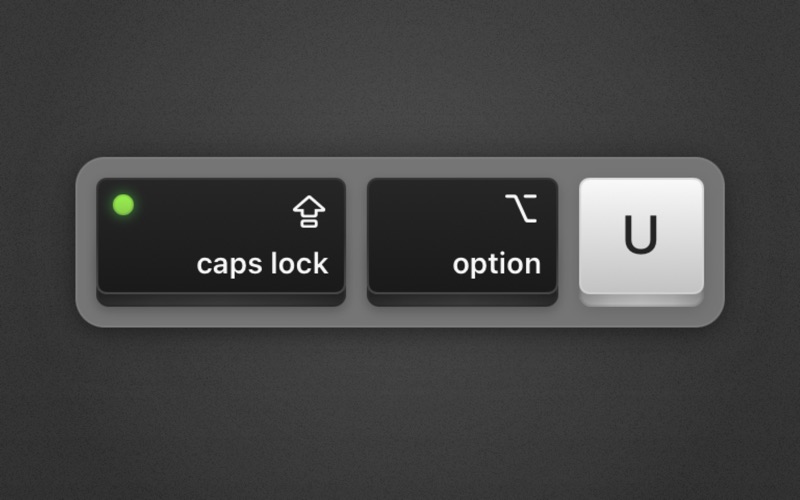
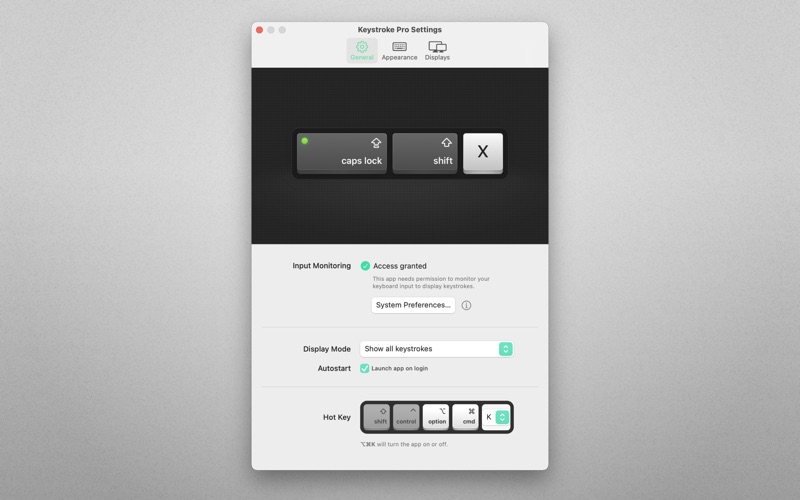
Show your audience which keys you press! Keystroke Pro displays every key as you press it, and shows keycap visualizations in a stunningly elegant way on your screen in an instant. Displaying keystrok...es while lecturing, sharing, and recording your screen helps your audience to follow along with ease. Keyboard shortcuts are also essential for app demos, presentations, and how-to videos. Let your audience see which keys you’re pressing, so you can focus on your actual topic.
“Elevate your presentations” — App Store Editorial Team
Lifting spectators up by moving teachers forward. Keystroke Pro looks gorgeous, offers extensive customizability, and is exceptionally well made.
Features
• Customize key shapes, colors, and keycap sizes
• Stunningly elegant keypress animations
• Customizable display duration
• Display modes, like modifier keys only detection
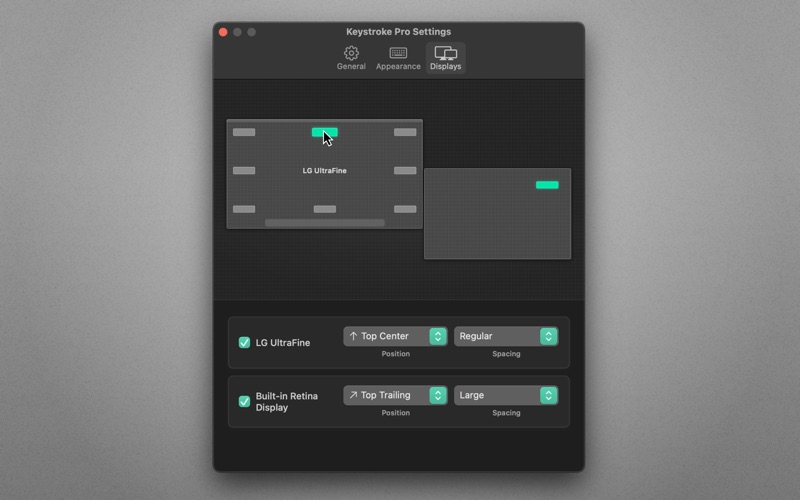
• Smart positions. Predefined positions on the screen, where the app will display your keystrokes.
• Multi-monitor support
• Lightweight menu bar app
• Autostart. Launch the app automatically on login.
• Customizable keyboard shortcut
• Apple Shortcuts.app support
• Quick-toggle: Option-click on the app icon to enable/disable
Use cases
• If you want to make a professional impression. Use your Mac to demonstrate or teach apps, workflows, or anything else. People will see your keystrokes and the actions you perform more easily.
• Work remotely and need to share your screen with a colleague without them asking what you’re doing all the time. Your keystrokes will be clearly visible.
• When capturing or sharing your screen as part of a presentation.
• When creating video tutorials, during lectures, streaming games, or participating in video calls/meetings.
Privacy
• All of your key press input remains offline, on your computer, where it belongs.
• Keystroke Pro will not detect nor display your keyboard input when typing within a secure password text field.
Compatibility
Works great with screen sharing apps like FaceTime, Zoom, Google Meet, Microsoft Teams, Skype, etc. (You have to share your entire screen, not just a single application window!)
⁂
Support
If you need help or want to make a feature suggestion, I’d love hearing from you → martin@appahead.studio
Feedback
If you like Keystroke Pro, please take a moment to rate it on the App Store. It’s a great way to support solo developers like yours truly.
About
App ahead GmbH is a German software studio operated by a single individual, Martin Lexow (that’s me!). My company was originally founded in 2015 under the name IXEAU in Berlin. Today, I’m based in the historic old town of Aachen, Germany.
Terms of Use: https://appahead.studio/terms
Privacy Policy: https://appahead.studio/privacy
Screenshots




Information
| Genre | Productivity |
| Vendor | App ahead GmbH |
| App Version | 2.17 |
| Min iOS Version | 14.0 |
| File Size | 20.7 MB |
| Platform | Mac |
User Reviews
 Help others and write a review now!
Share this offer
Copy to clipboard


