





Tab Notes
2013
Tab Notes

$14.99
$24.99

 Add to Wishlist
 Add to "My Purchases"
More
Add to Block ListCopy iTunes Link to Clipboard
Tab Notes
2013For Tab Notes, the current price at App Store is $14.99. The lowest price ever was $7.99, available on 11/26/2021. You are paying $7.00 more than the best deal.
Price Information
$7.99
Lowest
+$7.00
$14.99
Current
-$10.00
$24.99
Highest
All Time
All Time 
Price Trend of Tab Notes on Apple TV

19/08/15
$16.99
01/06/17
$17.99
26/11/21
$7.99
01/12/21
$18.99
15/07/23
$24.99
18/11/26
$14.99

Initial price - The price at which the title entered the store.
Price drop - The price compared to the one before has dropped.
Price raise - The price compared to the one before has raised.
Best price - The lowest price the title has ever had to date. If the price comes back to this value later, however, only a price drop (green) is displayed.
Summary
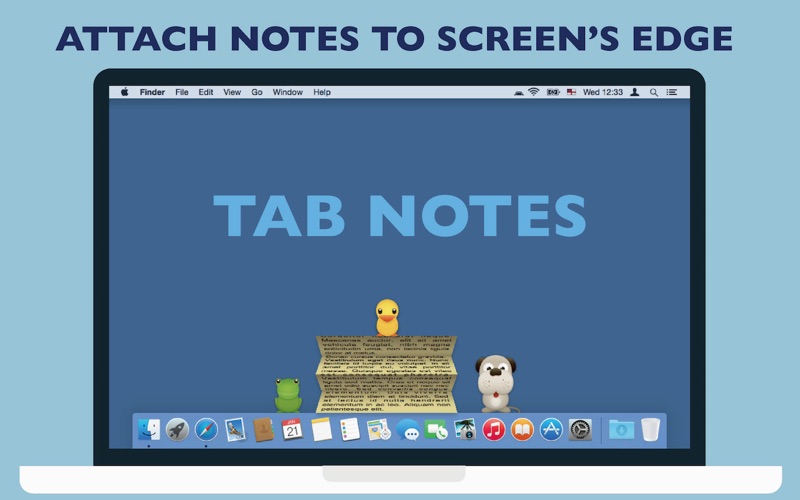
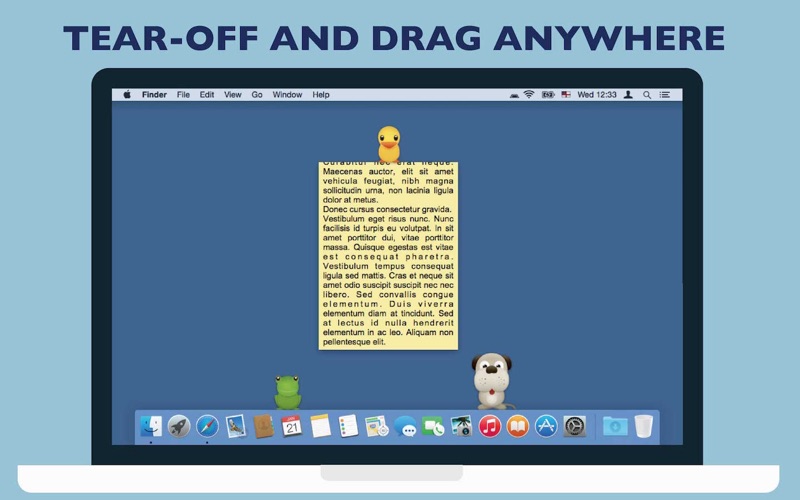
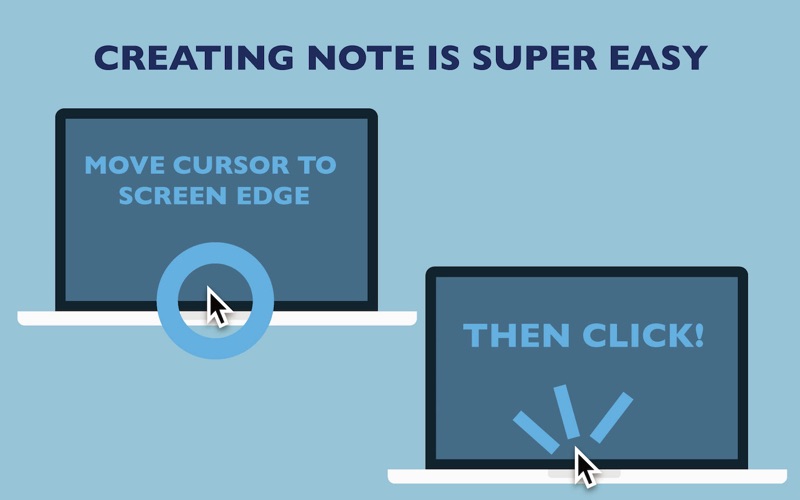
Tab Notes is a Menu Bar application which keeps your notes tidy and easy to access and your screen uncluttered. Click on your screen edge, then a note pops up!
Watch the demonstration video here ▶ ...https://vimeo.com/62485482
[This app includes the functionality of Popup Window app]
• Click on your screen's edge to take a note.
• Document file types are conventional RTF (Rich Text) and RTFD (Rich Text with images). Not proprietary format. (This application uses "Comment" property in RTF. )
• RTF documents can be synchronized with iPhone via Dropbox. This means you can view them from any device with Dropbox installed.
• Documents folder can be any folder in your home folder.
• Supports versioning. OSX keeps documents' previous versions. (This app does not contain version browser. Please use TextEdit to browse version files.)
• The app has built-in short term backup system. Changes made to notes will be kept for 3 days in the backup folder (you can open it from the preferences). For more comprehensive backup system, we recommend other application.
• Customisable with original themes created in Tab Notes Theme Editor:
https://itunes.apple.com/us/app/tab-notes-theme-editor/id665702825?ls=1&mt=12
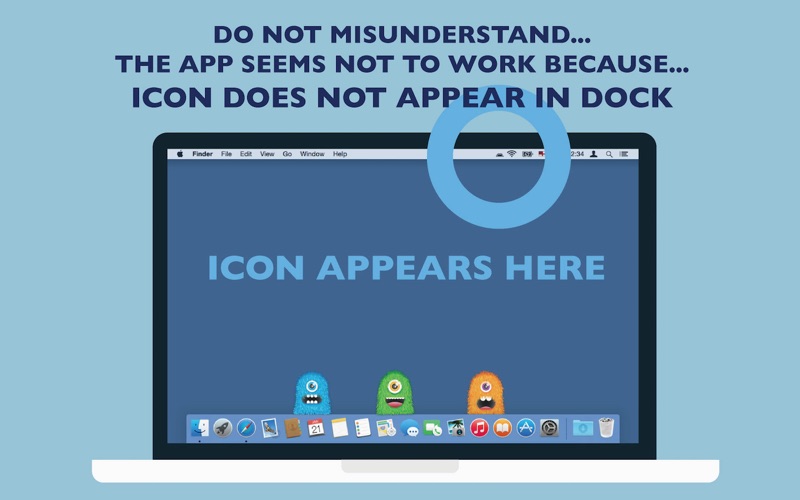
* This application is a "menu bar app". The application icon does not appear in "Dock". Instead it appears in main menu bar. You can change preferences from the icon in the main menu bar.
■■FAQ■■
Q. The application does not open. It does't work.
A. This app is a menu bar app. App icon does not appear in Dock. It is designed to serve you discreetly without occupying Dock space. The application icon appears in the right part of the main menu bar at the top of the screen.
Q. Tab did not appear. Where can I add my notes?
A. Just click the screen edge. Please see the video https://vimeo.com/62485482
Q. It would not let me delete the app.
A. Finder does not let you delete an app that is currently running. Quit the app first. To quit the app, choose Quit from this application's menu in the main menu bar at the top of the screen. (Even though this app may be running, while in stand by, its CPU power usage is almost nothing.)
Q. Isn't there any "Preferences" for this app?
A. Yes there are. The menu icon of this app is located in the right part of the main menu bar at the top of the screen. You can choose this app's Preferences here.
Q. How do I change themes or background colour?
A. Press and hold Control key then click a tab. Contextual menu appears. (Depending on device configurations, right-click on mouse or two finger click on track pad may be used.)
Q. Can I try for free before purchasing?
There is a free "Lite" version on this App Store. The number of notes is limited to 3 and it does not have Popup Window functionality in Tab Notes Lite.
----
Copyright CuteCritters http://www.Tutorial9.net/
Copyright SpoonGraphics http://blog.spoongraphics.co.uk
Screenshots


Information
| Genre | Productivity |
| Vendor | Catalystwo, LLC |
| App Version | 3.0 |
| Min iOS Version | 10.11 |
| File Size | 16.4 MB |
| Platform | Mac |
User Reviews
 Help others and write a review now!
Share this offer
Copy to clipboard


