


spectwhirl
2023


spectwhirl

$2.99
$4.99

 Add to Wishlist
 Add to "My Purchases"
More
Add to Block ListCopy iTunes Link to Clipboard
spectwhirl
2023For spectwhirl, the current price at App Store is $2.99. This price matches the all-time low, first seen on 04/20/2024. It has been at this price 6 times in total.
Price Information
$2.99
Lowest
$2.99
Current
-$2.00
$4.99
Highest
All Time
All Time 
Price Trend of spectwhirl on App Store

12/29/23
$4.99
04/20/24
$2.99
04/22/24
$4.99
07/15/24
$2.99
07/16/24
$4.99
11/03/24
$2.99
11/06/24
$4.99
11/30/24
$2.99
12/03/24
$4.99
12/26/24
$2.99
12/29/24
$4.99
11/24/26
$2.99

Initial price - The price at which the title entered the store.
Price drop - The price compared to the one before has dropped.
Price raise - The price compared to the one before has raised.
Best price - The lowest price the title has ever had to date. If the price comes back to this value later, however, only a price drop (green) is displayed.
Summary
"bells and whistles, literally"
spectwhirl is a hybrid spectral audio effect.
It can extract and rearrange sinewave components from input signal to make new sound textures and bell-like sounds.
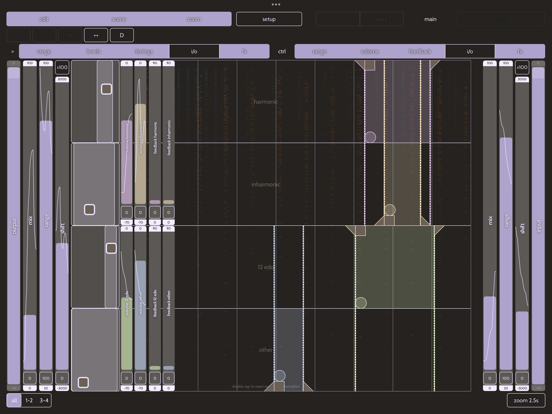
* in...put sound is converted to sinewave components that are divided into 4 groups: harmonic, inharmonic, 12-edo and other
* each component is fed into a delay line with feedback
* there is a group of frequency shifter and sample-and-hold effects before and after delay lines
* each set of sinewave components can be filtered
* all the parameters can be instantly automated with gesture recording
!!! Please note that this effect consumes much CPU and requires a modern device.
======================
Quick Start:
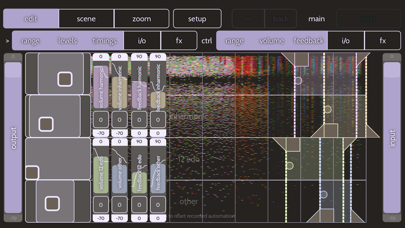
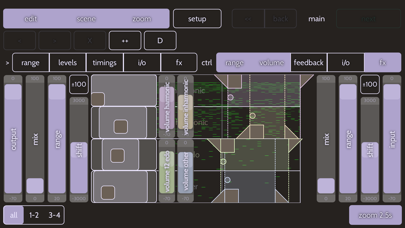
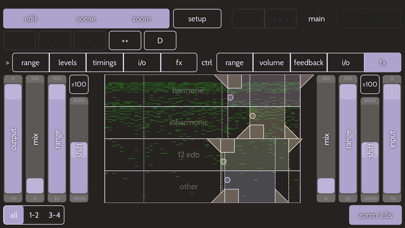
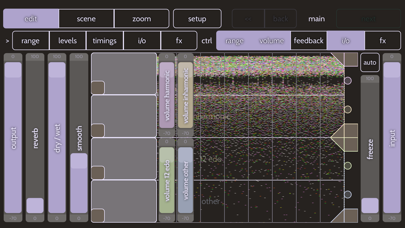
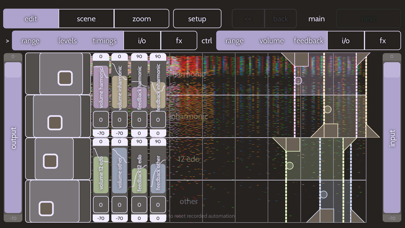
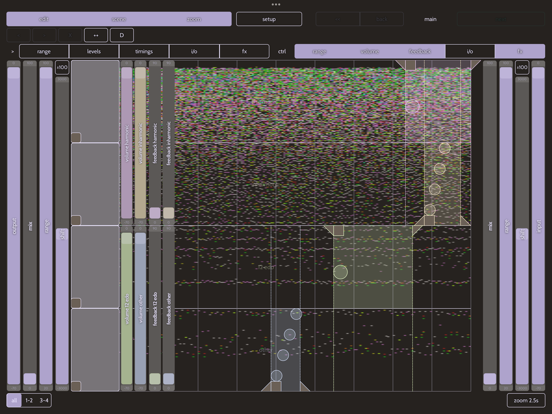
Top row of controls enables different parts of user interface: scenes editor ("scene"), controls switch ("edit") and "zoom" controls
When "edit" is switch on, you can show or hide various controls (marked as "ctrl") and switch gesture recording automation for some of them (marked with ">")
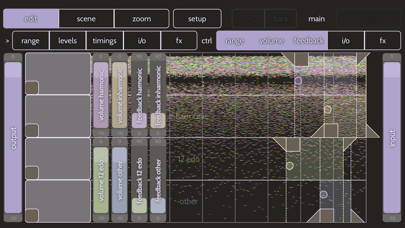
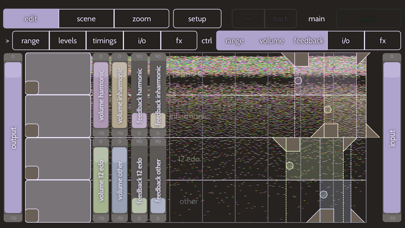
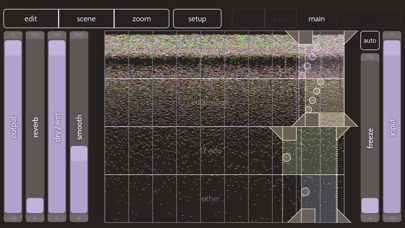
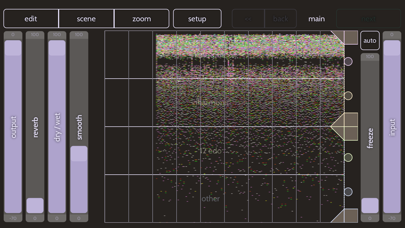
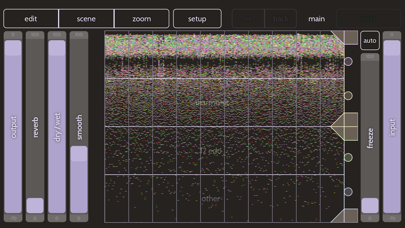
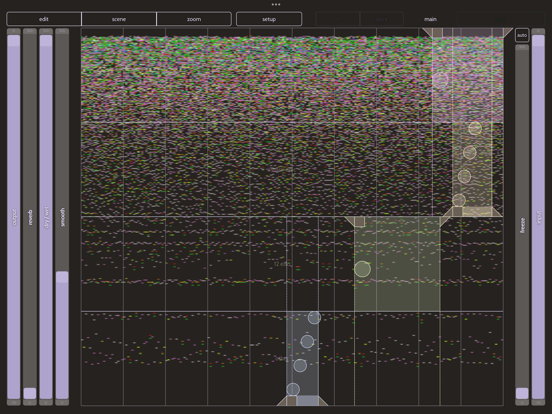
Main control surface displays sonogram with tracked elements. Colors are set accordingly to the group they are assigned (red-orange-green-blue are for harmonic, inharmonic, 12-edo and others). Each "lane" contains delay time controls.
* Triangle facing left is for the start locator, it determines initial delay time
* Square moves both start and end locators together
* When left locator is first moved you can see the right locator with the same triangle. It shows the end of the selected region, the secondary delay time is determined by the difference between left and right locators
* if you drag over the area of the region in a lane, the four-dotted/one circle indicator will change its appearance; this changes the arpeggio mode of the region. If set to leftmost position (one circle) the components go in-sync; if set to maximum value (shown as diagonal line with circles) - components are played sequentially
* all settings can be stored as "scene" and multiple scenes can be switched sequentially; there is a set of button to move, add and delete scenes. All scenes will be stored as machine state; it can be exported / imported as a single file or as separate file with current scene in the "setup" view
The standalone version always starts with output level set to -70 dB to avoid feedback
Screenshots


Information
| Genre | Music |
| Vendor | Alexey Nadzharov |
| App Version | 1.0.1 |
| Min iOS Version | 12.0 |
| File Size | 7.4 MB |
| Platform | iPhone/iPad |
User Reviews
 Help others and write a review now!
Share this offer
Copy to clipboard


