


[❌Removed from iTunes] Reversee: Reverse Image Search
2014


[❌Removed from iTunes] Reversee: Reverse Image Search
Not available

 Add to Wishlist
 Add to "My Purchases"
More
Add to Block ListCopy iTunes Link to Clipboard
[❌Removed from iTunes] Reversee: Reverse Image Search
2014[❌Removed from iTunes] Reversee: Reverse Image Search is currently not available at App Store.
Price Information
Lowest
Current
-$1.99
$1.99
Highest
All Time
All Time 
Price Trend of [❌Removed from iTunes] Reversee: Reverse Image Search on App Store

04/30/15
$0.99
06/27/15
$1.99
10/31/15
$0.99
11/02/15
$1.99
05/28/16
Free

Initial price - The price at which the title entered the store.
Price drop - The price compared to the one before has dropped.
Price raise - The price compared to the one before has raised.
Best price - The lowest price the title has ever had to date. If the price comes back to this value later, however, only a price drop (green) is displayed.
Summary
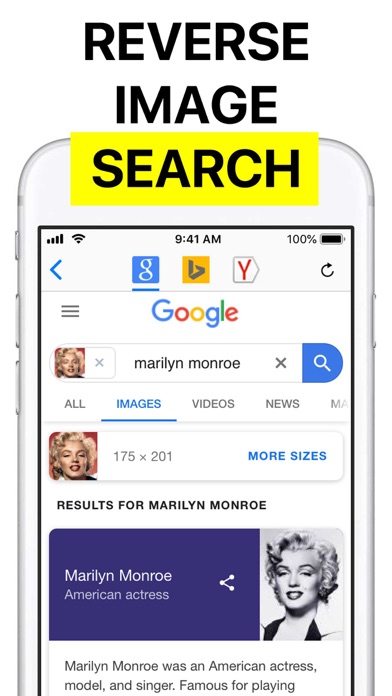
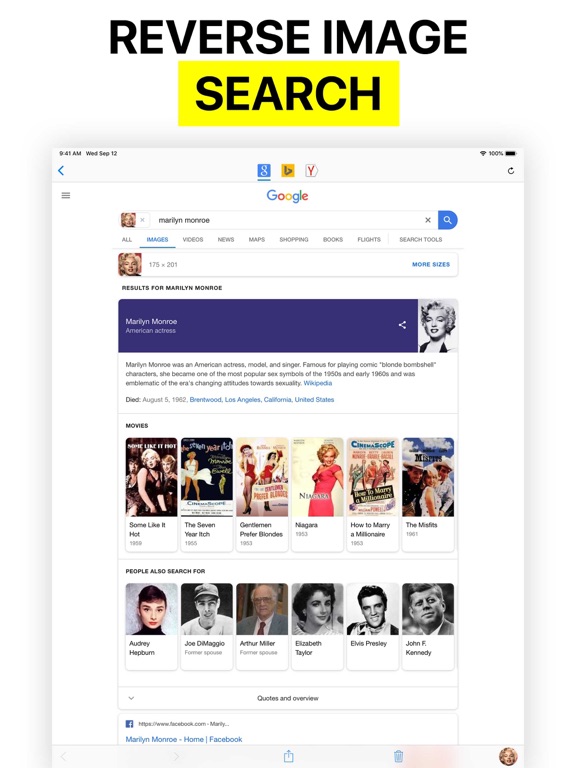
Reversee is a bridge between your pictures and reverse image search engines, allowing you to make a search by image.
Use Reversee to search for:
- Webpages displaying a picture.
- A higher resoluti...on version of a picture.
- Someone's social network profile¹.
PS: Although the app allows you to search for pictures, it doesn't promise you will find results. The actual search is made by third party engines, and even if they are the best on the business, none of them cover 100% of the searches.
FEATURES
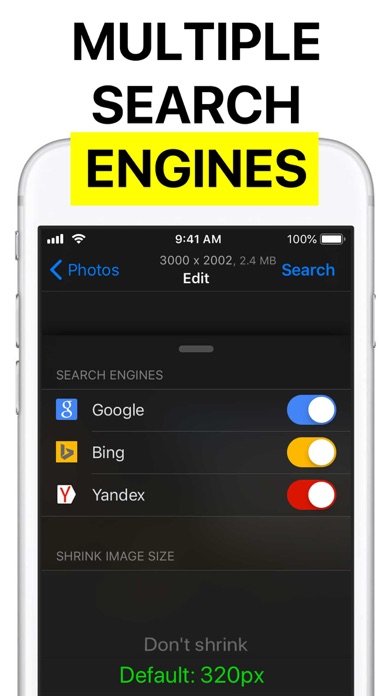
- Search with Google Images (default search engine).
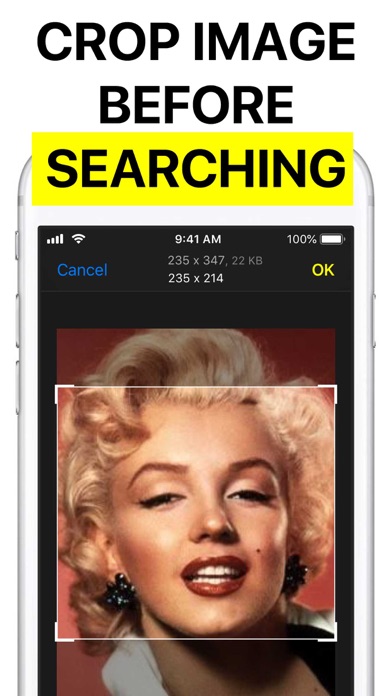
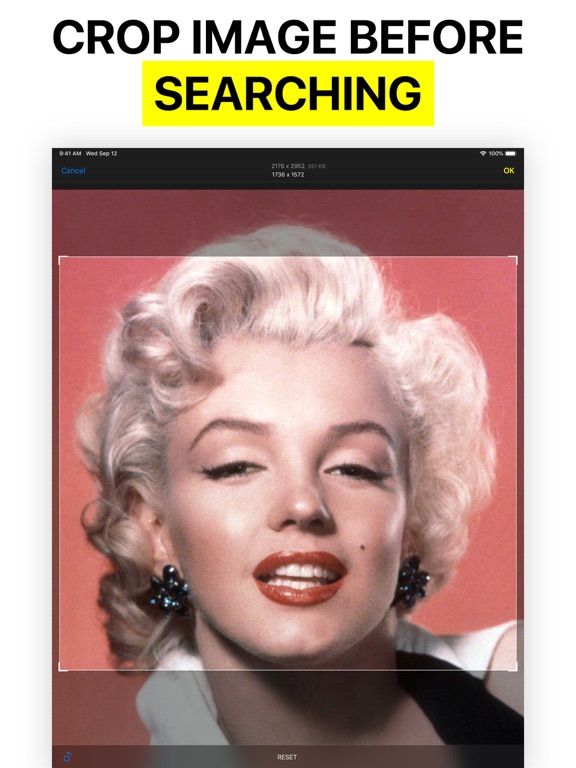
- Editor to crop & rotate the picture.
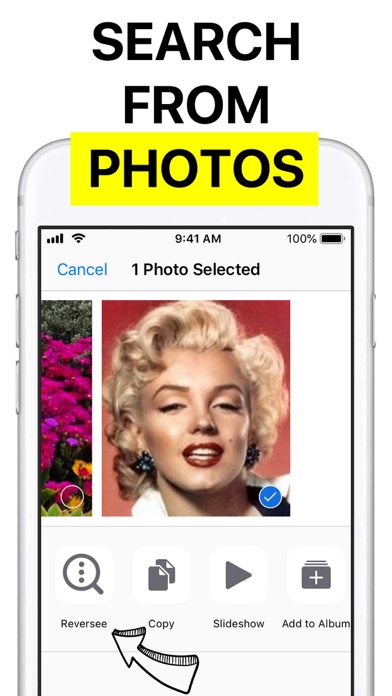
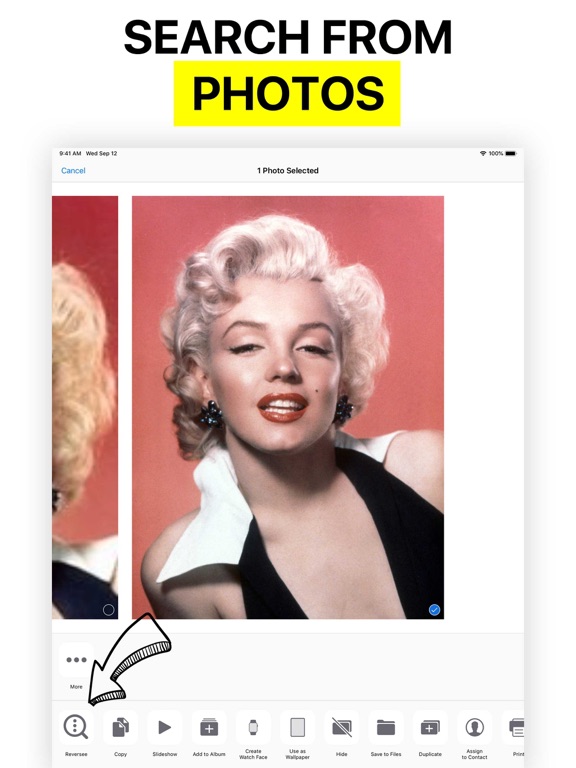
- Smart navigation of your device photos (you can search by a picture in the middle of the camera roll and then come back to search for a picture nearby, avoiding to scroll the photos all over again).
- Paste image.
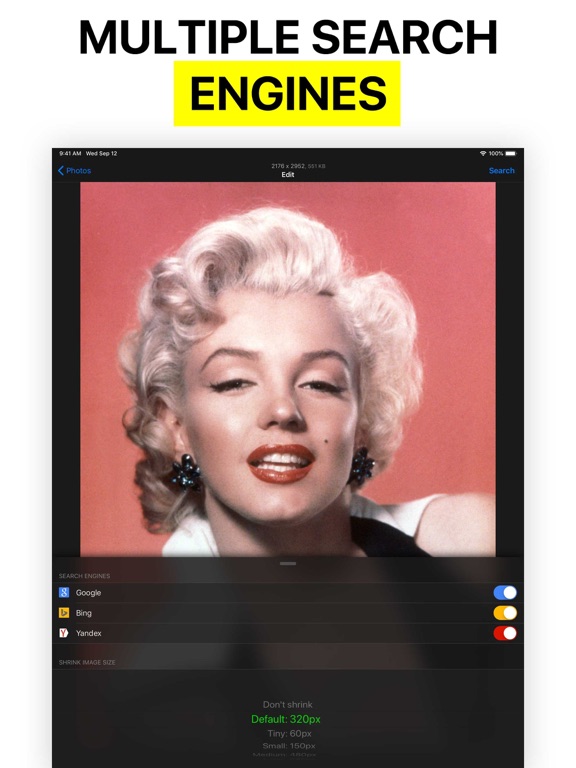
- Set size of the image sent to the search engine (it may yield different results).
- Open the results page in: 1) Safari, 2) Chrome, 3) Add to Reading List, 4) Copy to Clipboard, 5) Send Email, etc.
- Save pictures from the web.
- iOS Extension: Use Reversee inside other apps (Photos, Safari, Chrome and any app that "exports" an image or URL).
PRO FEATURES
- Two additional search engines: Bing and Yandex.
- Auto crop: it automatically removes the borders of a picture (very useful when searching by screenshots).
- Editor gestures: it makes the app a complete image visualizer (navigation, zoom, reset, crop and also an option to save the cropped image to the Camera Roll).
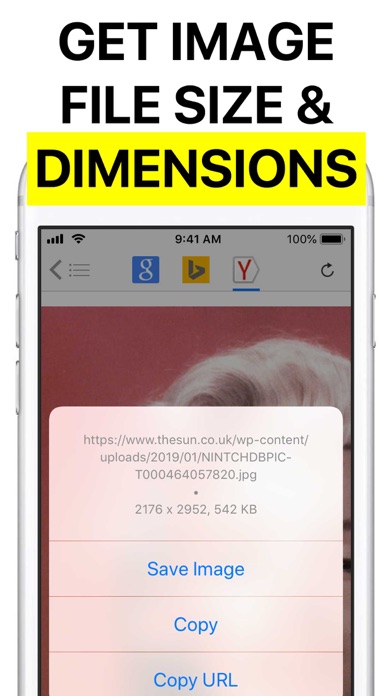
- Display detailed information about the image (URL, dimensions and file size).
- Eliminate the 5-second delay from the App Extension.
- Paste an image URL or any webpage URL (e.g. save the original image from Instagram).
- Camera access.
- Delete multiple pictures at once.
- No ads.
DISCLAIMER
Google, Bing and Yandex are free services accessible from any web browser. Reversee is not endorsed by or affiliated with any of these search engines.
SUPPORT
reverseeapp@gmail.com
¹ A note about searching for someone's social network profile: as explained before, the app acts as a link between your device pictures and reverse image search engines, like Google Images. Search engines have to crawl pictures around the web first, so the image data is added to their database and then that picture can be shown in search results. However, not every site nor every photo in a website is crawled, for example, the majority of Facebook and Instagram pictures are not crawled. Other networks like Pinterest, Twitter and LinkedIn are more frequently shown in search results, but there is never a guarantee that a picture will be found even in those websites.
Screenshots

Information
| Genre | Utilities |
| Vendor | Eduardo Rocha |
| App Version | 5.3.9 |
| Min iOS Version | 10.0 |
| File Size | 6.4 MB |
| Platform | iPhone/iPad |
User Reviews
 Help others and write a review now!
Share this offer
Copy to clipboard