





A Companion for SwiftUI
2019
A Companion for SwiftUI
$49.99

 Add to Wishlist
 Add to "My Purchases"
More
Add to Block ListCopy iTunes Link to Clipboard
A Companion for SwiftUI
2019For A Companion for SwiftUI, the current price at App Store is $49.99. There hasn't been any price reductions so far.
Price Information
$49.99
Lowest
$49.99
Current
$49.99
Highest
Price Trend of A Companion for SwiftUI on App Store

11/05/19
$49.99

Initial price - The price at which the title entered the store.
Price drop - The price compared to the one before has dropped.
Price raise - The price compared to the one before has raised.
Best price - The lowest price the title has ever had to date. If the price comes back to this value later, however, only a price drop (green) is displayed.
Summary
Discover SwiftUI like never before with Companion for SwiftUI—an interactive documentation hub covering all SwiftUI elements, whether you're developing for iOS, macOS, tvOS, or watchOS. The latest upd...ate features the complete set of additions from WWDC 2024, bringing its repository to over 3300 entries. Here are some of its key features:
• Comprehensive Coverage: Get in-depth insights into SwiftUI views, shapes, protocols, scenes, styles, property wrappers, and environment values across all Apple platforms (iOS, macOS, tvOS, and watchOS).
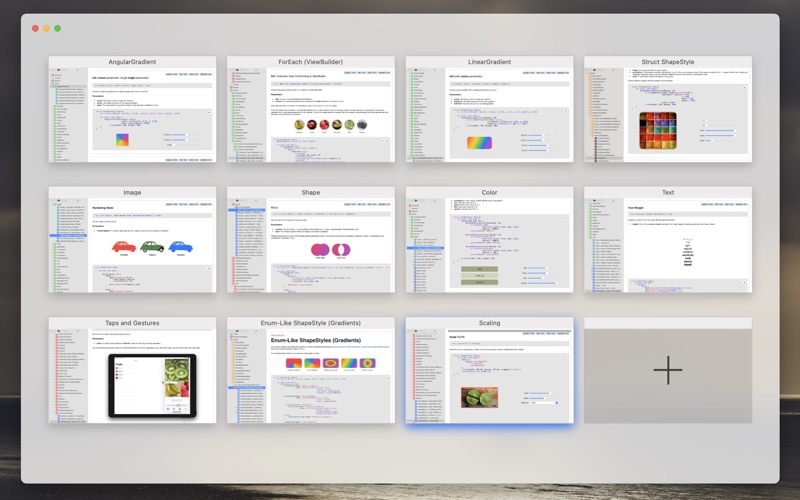
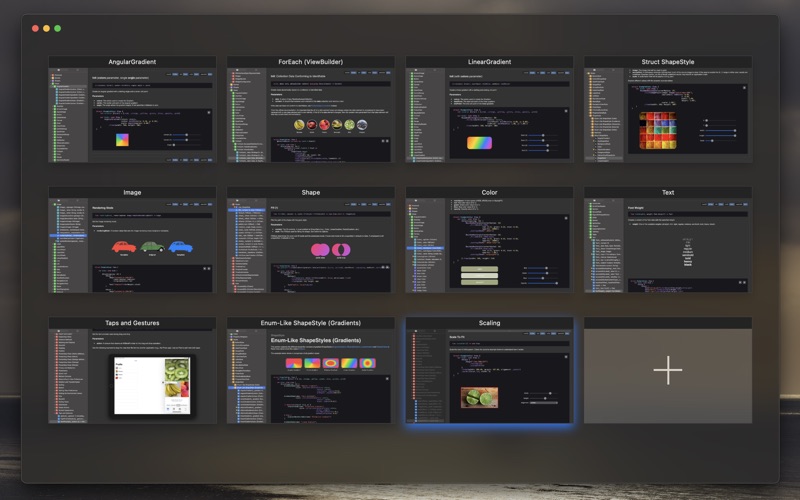
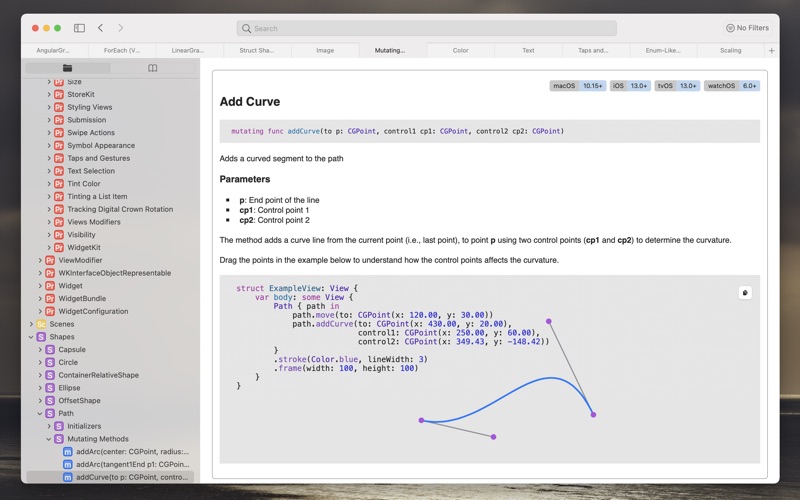
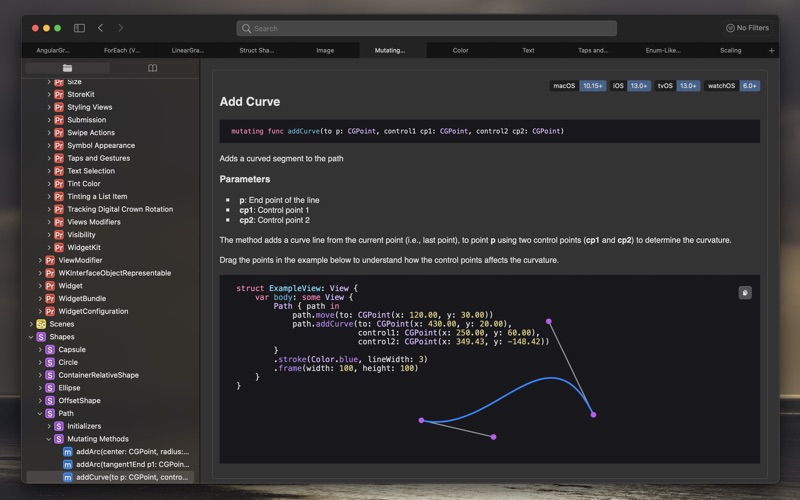
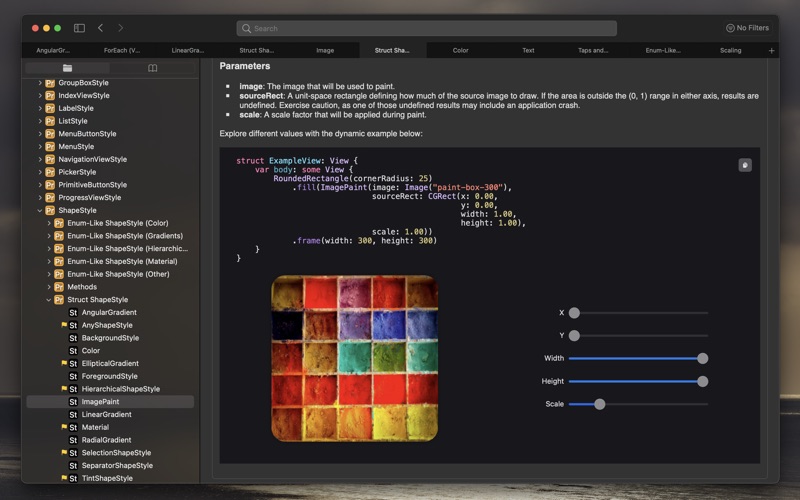
• Interactive Examples: Dive into interactive examples that run within the app. Adjust associated controls to witness immediate changes in views and code, facilitating a better understanding of SwiftUI's power.
• Seamless Integration: Copy and paste examples directly into Xcode for quick and easy execution. Examples are ready to run, making your development process smoother.
• Filtering Options: Tailor your learning experience by creating filters to focus on relevant API areas, whether you're working on a legacy project, exploring the latest WWDC '23 additions, or researching SwiftUI's implementation of a specific framework. Switch between multiple tabs, each with its own filter.
• Visual Learning: Need to grasp the finer details of a quad curve? No worries! Explore the .addQuadCurve() entry, and drag curve points to instantly visualize how function parameters change. Accelerate your learning curve with instant, hands-on knowledge.
• Menu Bar Icon: Quickly find topics using the system's menu bar icon, allowing you to jump directly to the page you're looking for.
This app is your indispensable companion, whether you're a seasoned developer or just starting your SwiftUI journey. Elevate your SwiftUI skills today!
Screenshots




Information
| Genre | Developer Tools |
| Vendor | Arrow Bit SL |
| App Version | 6.0 |
| Min iOS Version | 10.15 |
| File Size | 109.3 MB |
| Platform | Mac |
User Reviews
 Help others and write a review now!
Share this offer
Copy to clipboard


