






Folder Peek
2022
Folder Peek

$3.00
$6.00
Best Price!

 Add to Wishlist
 Add to "My Purchases"
More
Add to Block ListCopy iTunes Link to Clipboard
Folder Peek
2022For Folder Peek, the current price at App Store is $3.00. This is the lowest price ever and the first time this item has been available at this price.
Price Information
$3.00
Lowest
$3.00
Current
-$3.00
$6.00
Highest
All Time
All Time 
Price Trend of Folder Peek on App Store

04/12/26
$4.00
05/15/26
$6.00
11/24/26
$3.00

Initial price - The price at which the title entered the store.
Price drop - The price compared to the one before has dropped.
Price raise - The price compared to the one before has raised.
Best price - The lowest price the title has ever had to date. If the price comes back to this value later, however, only a price drop (green) is displayed.
Summary
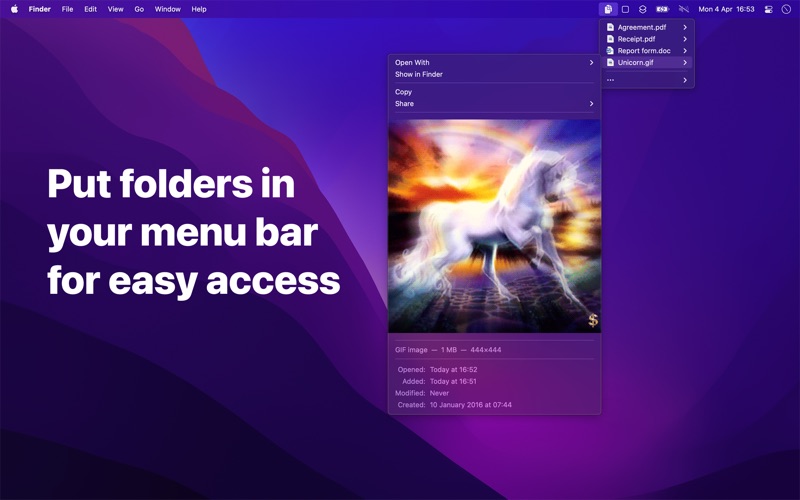
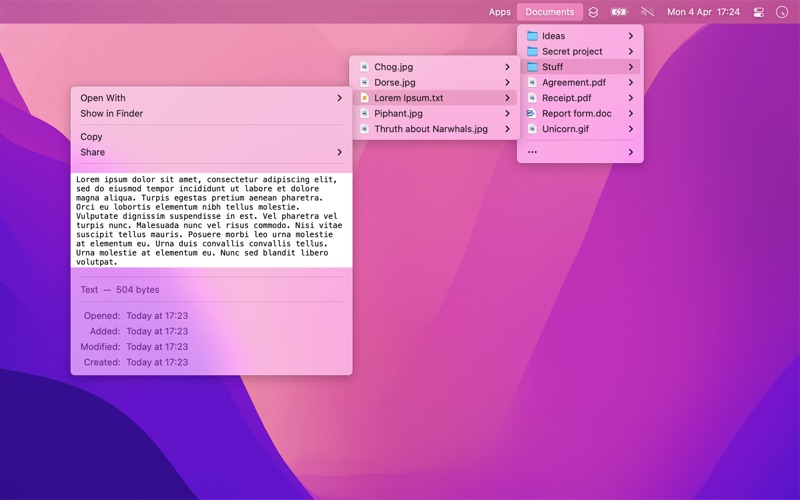
Quickly access documents, files, folders, and apps from the menu bar.
Think of it as an alternative to Dock folders, just more powerful and customizable.
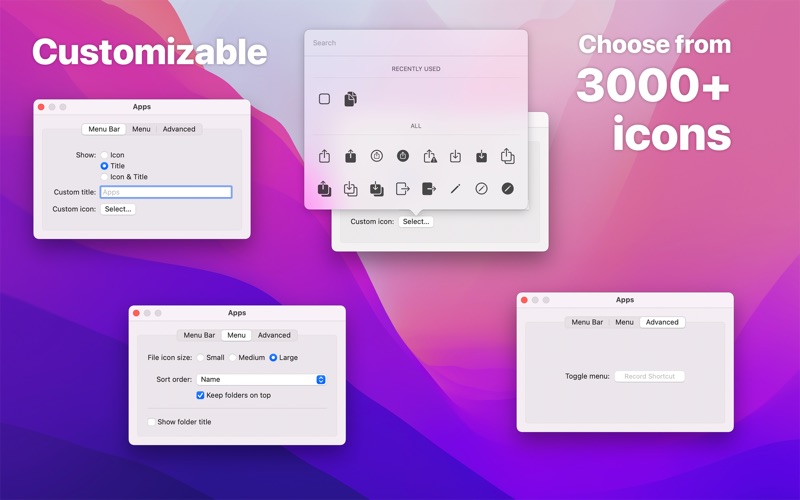
Each folder you add gets its own menu bar ic...on that you can customize and move around (drag the menu bar item while holding the Command key).
You can click on a file or folder in the menu to open it.
If you have little menu bar space, you can also show multiple folders in a single menu bar item. See the first FAQ.
Example use-cases:
- Access files relating to your current project
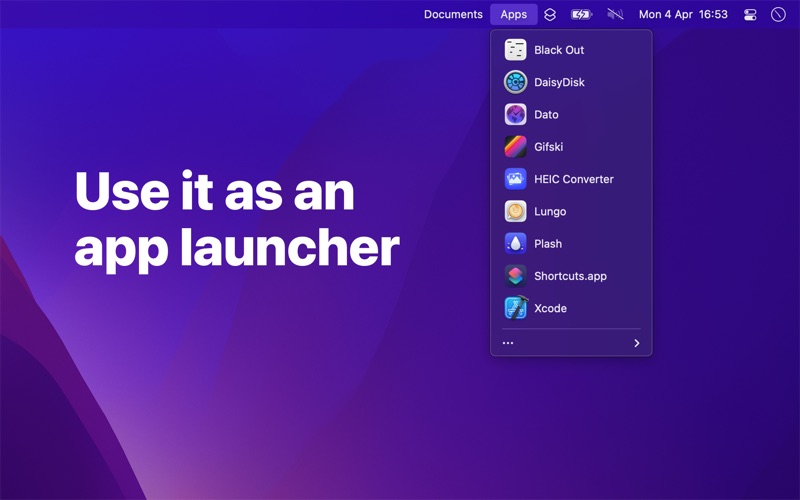
- Use it as an app launcher
- Add your home folder to quickly access anything
- View your most recent screenshots (see FAQ)
- Use it to select which Photos library to open
By taking advantage of Finder aliases, you can create a folder that contains aliases to other folders and files, making it possible to completely customize what's shown in a folder menu. See the FAQ for more.
■ Features
- Add multiple folders to the menu bar
- Each folder can be individually customized
- File preview
- View and copy image & video dimensions
- Drag & drop from the file submenu.
- Global keyboard shortcut to show/hide each folder menu (optionally opens at cursor position)
- Open a folder in a specific app
- Follows aliases and symlinks
- Shortcuts support
■ FAQ
‣ How can I show specific files and folders from various places?
You can create a folder that contains aliases to the files and folders you want to be included in the menu.
Create a folder to put aliases in and add that folder to the app. Make aliases for the files and folders you want in the menu and move the aliases into the folder you just made.
‣ What is an alias?
An alias is a shortcut to an app, file, or folder that you can keep anywhere on your Mac. Right-click an item in Finder and select “Make Alias” to make one.
‣ How can I use this as an app launcher?
Yes. Just add the “Applications” folder to the app. If you want to show only specific apps, follow the first FAQ.
‣ How can I show multiple directories at the top level in a single menu?
Follow the first FAQ.
‣ How can I have a menu bar folder with my most recent screenshots?
Make a folder to hold the screenshots and add it to the app. Open the Screenshot app, click “Options”, then “Other Location”, and choose the folder you just made. In Folder Peek, open the folder config, and change the sort order to “Date Created” and set “Max Items” to something like 20.
You can find more info on the app's website.
■ Support
You can contact me through the feedback button in the app.
Screenshots
Information
| Genre | Utilities |
| Vendor | Sindre Sorhus |
| App Version | 1.13.8 |
| Min iOS Version | 26.4 |
| File Size | 8.3 MB |
| Platform | Mac |
User Reviews
 Help others and write a review now!
Share this offer
Copy to clipboard


