TouchRetouch: Object Removal
2013
TouchRetouch: Object Removal

$14.99
$9.99

 Add to Wishlist
 Add to "My Purchases"
More
Add to Block ListCopy iTunes Link to Clipboard
TouchRetouch: Object Removal
2013For TouchRetouch: Object Removal, the current price at App Store is $14.99. The lowest price ever was $9.99. You are now paying $5.00 more than the best deal.
Price Information
$9.99
Lowest
+$5.00
$14.99
Current
$14.99
Highest
All Time
All Time 
Price Trend of TouchRetouch: Object Removal on App Store

08/18/15
$9.99
01/26/18
$14.99

Initial price - The price at which the title entered the store.
Price drop - The price compared to the one before has dropped.
Price raise - The price compared to the one before has raised.
Best price - The lowest price the title has ever had to date. If the price comes back to this value later, however, only a price drop (green) is displayed.
Summary
TouchRetouch allows clearing your photos from undesired objects in an instant. It also comes in handy when dealing with color correction and composition problems.
In a few simple steps, you are able t...o efficiently eliminate the following elements from your pictures:
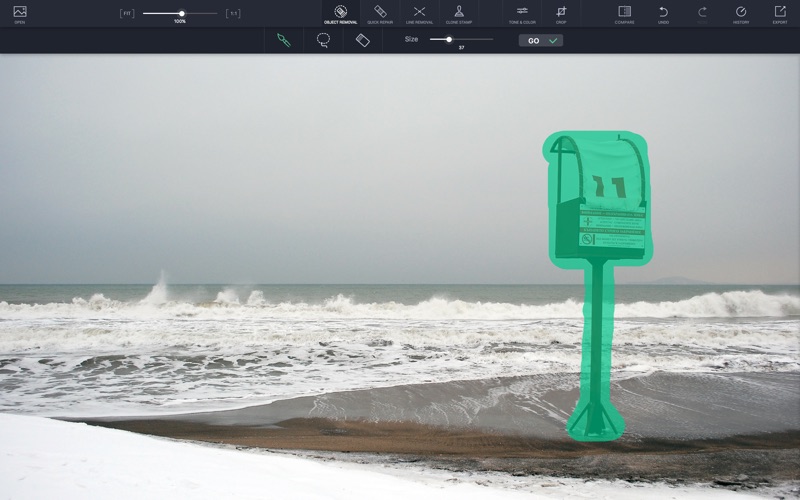
• Unwanted objects like debris, garbage cans, street signs, shadows, etc.
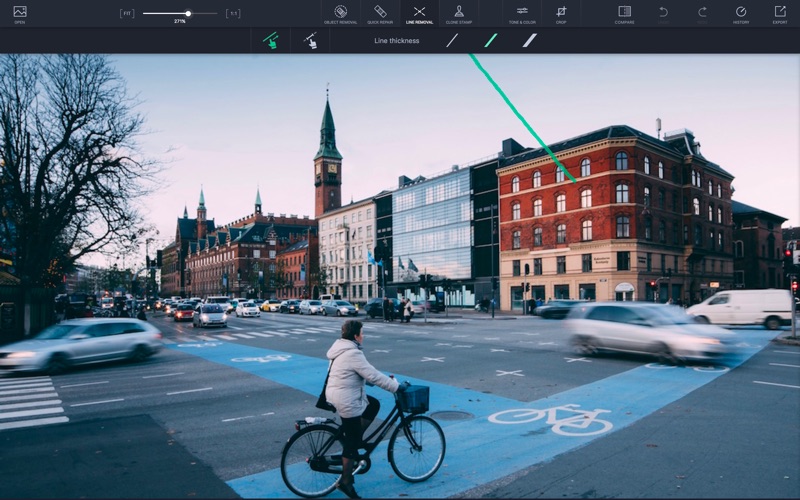
• Power lines, telephone wires
• Scratches, surface breaks
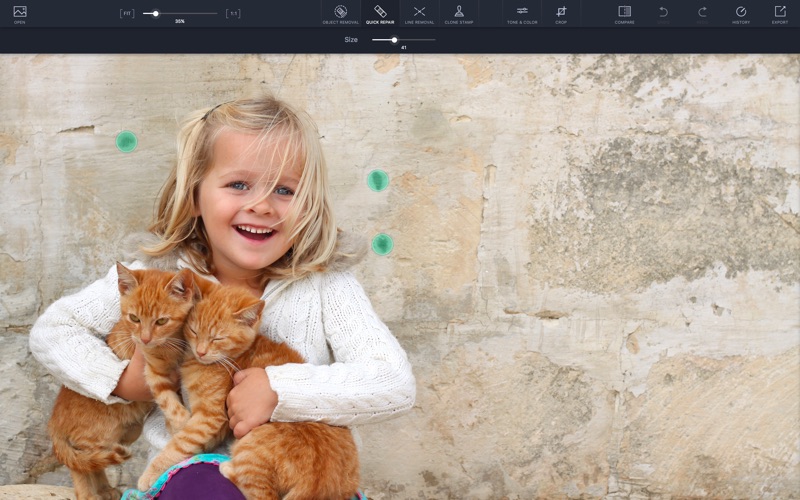
• Skin blemishes
• Dust spots
• Photobombers
REMOVE UNDESIRED ITEMS
* Easy-to-use object removal
Get rid of unwanted elements from photos quickly and easily by using the advanced content removal tools the app offers. The highly intellectual algorithm implemented in the app works well for both plain and more complex backgrounds (bokeh, gradient, patterned, etc.).
* Linear objects: Use a single drag
Mark a line by tracing along a section of it — the smart line removal technology that lies in the app will automatically select and remove the whole line.
* Spot-like objects: Use a single click
Clear photos are only a click away. Single-click a blemish that you feel is spoiling your composition and sigh with relief — the flaw is immediately gone.
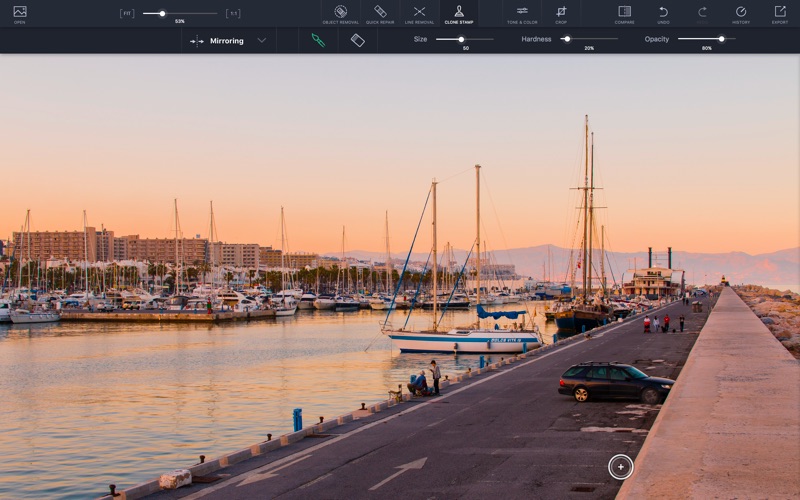
REMOVE UNWANTED OBJECTS WITH CLONE STAMP
Use Clone Stamp to remove objects that are in a complex background or close to the edge of other objects. Just copy pixels from one area within your photo and paint with them over another area.
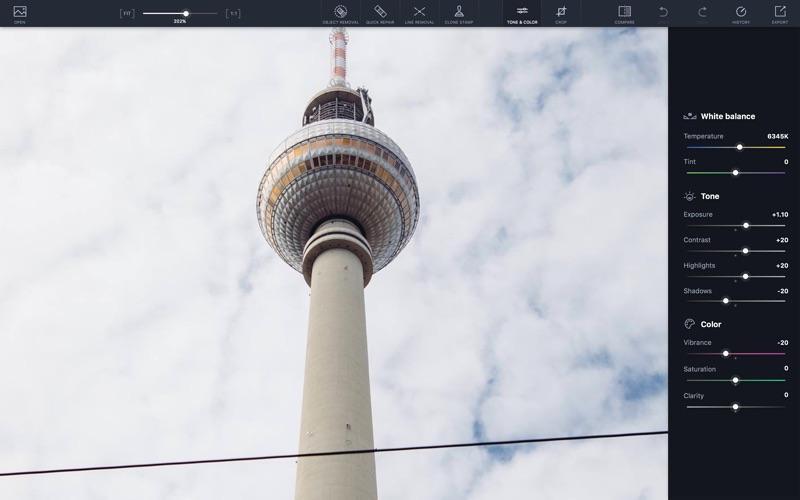
EXTRA TOOLS: COLOR CORRECTING AND CROPPING
In case there is a distracting element in the background of a picture, you can easily cut off the spoiled part of the photo with the Crop tool.
Make color adjustments to your photo to ensure that your final edited piece looks the way it should.
Turn your Mac into an “unwanted content removal” studio by downloading TouchRetouch now.
KEY FEATURES
• Top-quality content removal algorithm
• Color correction tools
• Extension support for Photos
• Support for RAW formats
• Support for JPEG, TIFF, PNG, etc.
• Streamlined interface
Screenshots
Information
| Genre | Photo & Video |
| Vendor | ADVA Soft GmbH |
| App Version | 2.3.8 |
| Min iOS Version | 10.14 |
| File Size | 19.3 MB |
| Platform | Mac |
User Reviews
 Help others and write a review now!
Share this offer
Copy to clipboard