


Unfold - Quick Look Previews
2026
Unfold - Quick Look Previews
$9.99

 Add to Wishlist
 Add to "My Purchases"
More
Add to Block ListCopy iTunes Link to Clipboard
Unfold - Quick Look Previews
2026For Unfold - Quick Look Previews, the current price at App Store is $9.99. There hasn't been any price reductions so far.
Price Information
$9.99
Lowest
$9.99
Current
$9.99
Highest
Price Trend of Unfold - Quick Look Previews on App Store

07/28/26
$9.99

Initial price - The price at which the title entered the store.
Price drop - The price compared to the one before has dropped.
Price raise - The price compared to the one before has raised.
Best price - The lowest price the title has ever had to date. If the price comes back to this value later, however, only a price drop (green) is displayed.
Summary
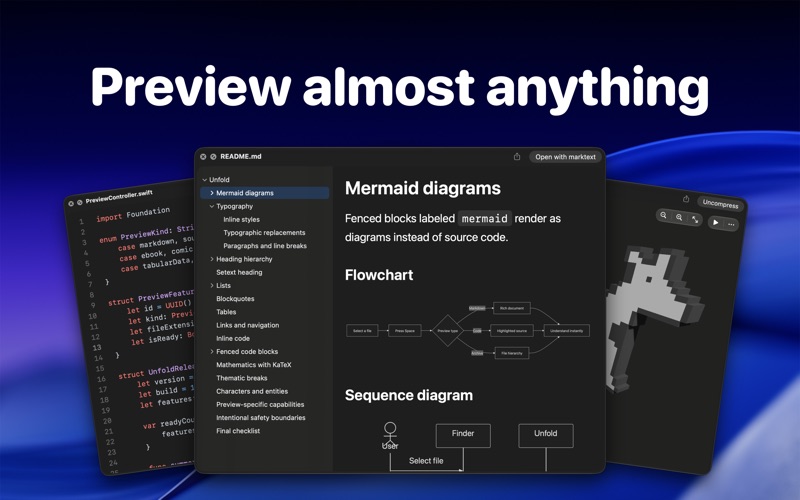
Unfold makes Quick Look work for the files you actually use. Select a file or folder in Finder, press Space, and see it rendered instantly: Markdown, source code, JSON, folders, archives, videos, comi...cs, ebooks, 3D models, notebooks, LaTeX, subtitles, and more. Over 300 file extensions, no extra app to open.
NEW: VIDEO
Play MKV, WebM, AVI, WMV, FLV, MPEG-TS, M2TS, VOB, MXF, OGV, RealMedia, and other videos Quick Look can't. The controls match Quick Look's own: scrubbing, 15-second skips, playback speed, volume, and an Audio and Subtitles menu. HDR and Dolby Vision show in their proper colors, and Finder icons become video thumbnails.
3D MODELS
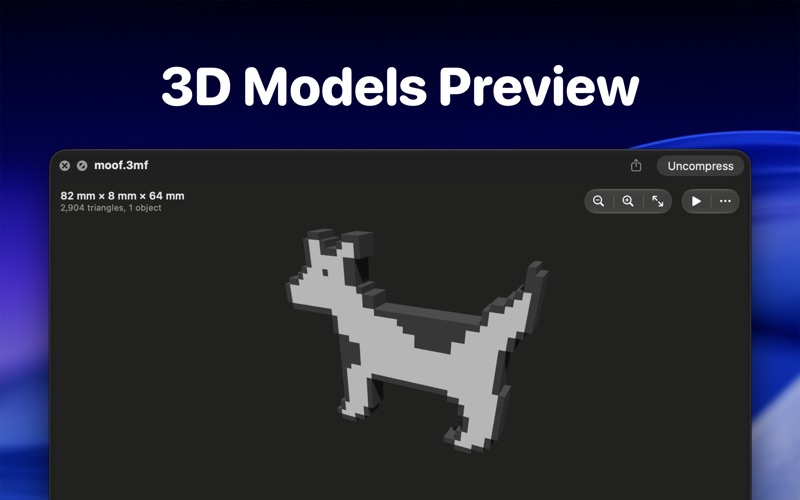
Preview 3MF, STEP, IGES, glTF, GLB, FBX, 3DS, Collada, OFF, and VRM models. Rotate, pan, and zoom, switch between Shaded, Shaded with Edges, and Wireframe, and play animations. 3MF projects show each plate, dimensions, triangle counts, print settings, and filament colors from Bambu Studio, OrcaSlicer, and PrusaSlicer. STEP assemblies keep their parts, colors, and units. Finder icons become model thumbnails.
FOLDERS
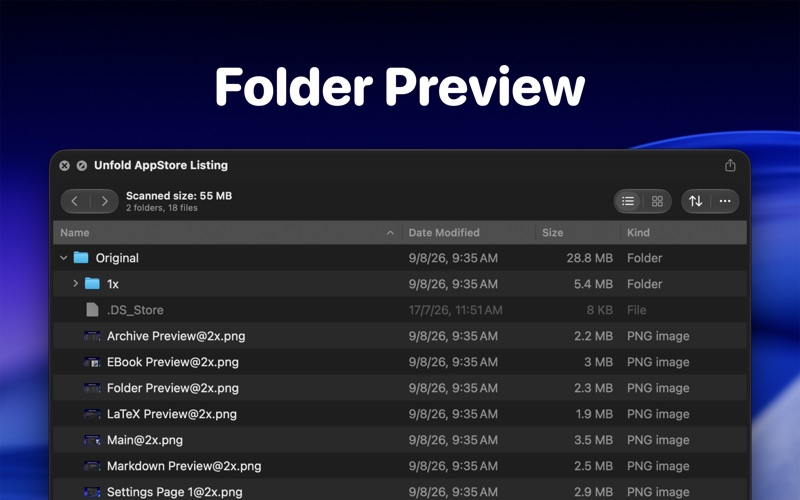
See what's inside a folder without opening it. Switch between List and Grid, sort by name, date, size, or kind, expand subfolders, set scan depth, and show hidden files. Thumbnails, app icons, a clickable path bar, and total folder size included.
MARKDOWN, MERMAID, AND JUPYTER
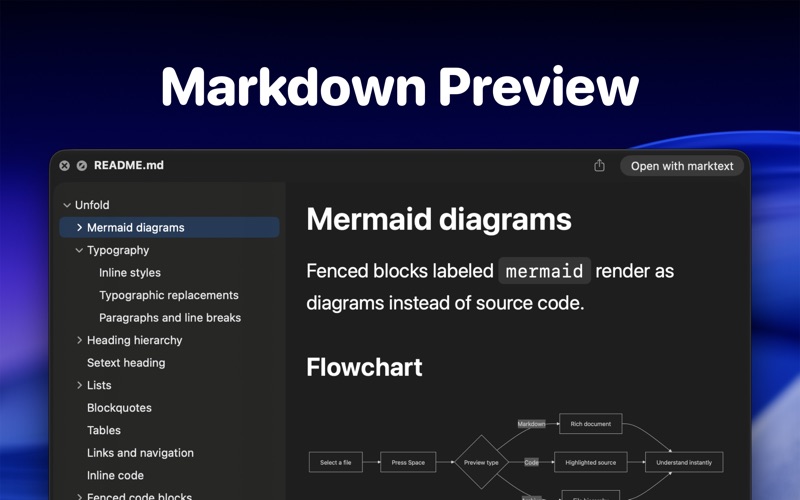
Read Markdown as a clean document with GitHub-style tables, task lists, math, Mermaid diagrams, copyable code blocks, and a table of contents, or switch to source. Zoom into .mmd Mermaid files. Preview Jupyter notebooks with highlighted code and saved outputs, including images and tracebacks.
SOURCE CODE AND JSON
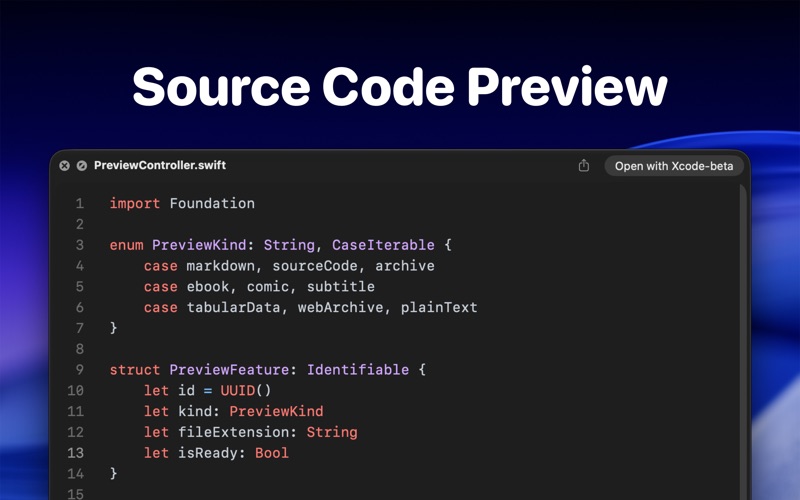
Syntax highlighting for 60+ languages, including Swift, Python, JavaScript, Rust, Go, C++, Java, and SQL, plus Makefile, Dockerfile, .env, and other dotfiles. Find with Command-F, jump to a line with Command-L, and copy selected lines. Binary plists show as XML, and minified code and JSON are laid out as readable lines. JSON and its variants open in a native viewer with collapsible objects and arrays. TSV files open as tables.
ARCHIVES
Look inside ZIP, RAR (including multipart), 7Z, TAR, JAR, and app packages such as APK and IPA without extracting anything. Browse nested folders with sizes and thumbnails, see which entries are encrypted, and fix garbled filenames with Japanese, Chinese, Korean, and DOS encodings.
COMICS AND EBOOKS
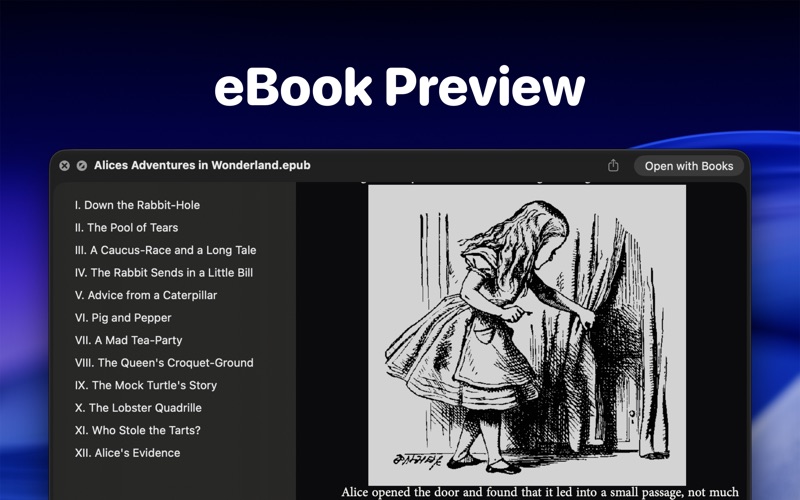
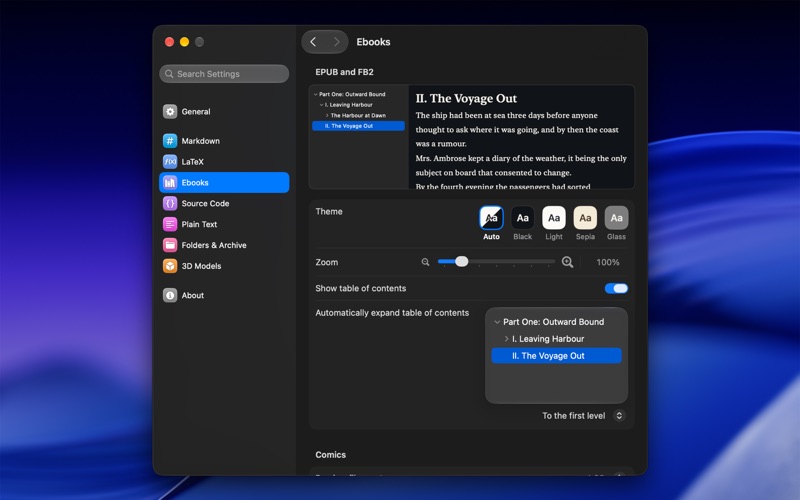
Read CBZ and CBR comics in a continuous scroll with a thumbnail sidebar. Open EPUB, Kindle (MOBI, AZW, AZW3), and FB2 books with covers, a table of contents, search, adjustable text size, and five themes. EPUB 3 books with narration can be read aloud, and Unfold remembers where you left off.
LATEX AND BIBTEX
Preview TeX and LaTeX documents with formatted structure and math, or switch to source. Turn BibTeX files into APA, MLA, Chicago, or IEEE reference lists.
SUBTITLES, LOGS, AND TEXT
SRT subtitles show cues, timecodes, and duration; VTT, ASS, SSA, TTML, LRC, and others open as text. Logs, NFO files in a classic DOS font, Fountain scripts, and extensionless files preview with automatic encoding detection and word counts.
WEB ARCHIVES AND APPS
Open MHT and MHTML pages offline with scripts and remote content blocked. Quick Look any .app, including iPhone and iPad apps, to see its version, bundle ID, architectures, minimum macOS, signature, sandbox, and hardened runtime status.
LIVE AND FAST
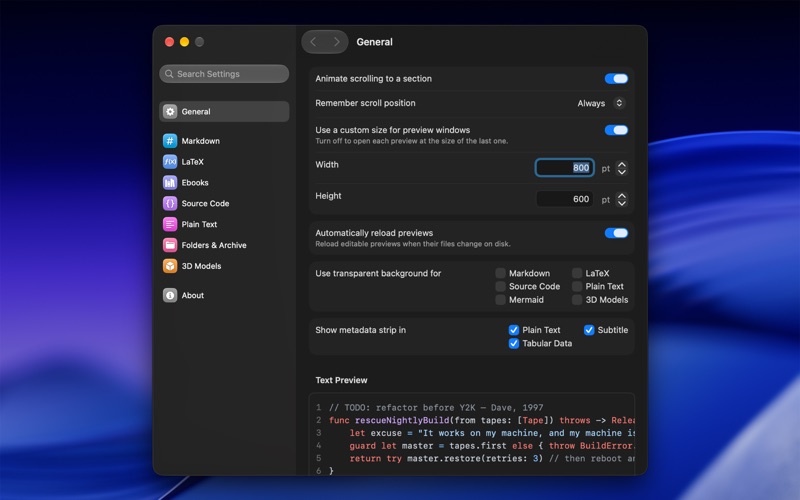
Previews refresh when a file changes, long files scroll instead of paging, and archives, books, comics, and 3D models open at any size.
PRIVATE BY DESIGN
Everything runs on your Mac. Unfold is sandboxed with read-only access, collects no data, and never uploads your files.
GET STARTED
1. Open Unfold once after installing.
2. Go to System Settings > General > Login Items & Extensions > Quick Look.
3. Turn on the Unfold extensions you want, including Video Previews and Video Thumbnails.
4. Select a file in Finder and press Space.
Screenshots


Information
| Genre | Utilities |
| Vendor | flew llc |
| App Version | 3.3.1 |
| Min iOS Version | 15.6 |
| File Size | 35.7 MB |
| Platform | Mac |
User Reviews
 Help others and write a review now!
Share this offer
Copy to clipboard


